
Ralph Shippam
AppScreens Founder

Ralph Shippam

Founder & Engineer

Ralph is the founder and engineer behind AppScreens. He focuses on product tooling, app release systems, and the details that help teams turn screenshots into a repeatable growth workflow.

Sunshine Coast, Queensland, Australia
App Store screenshots App release workflows Screenshot automation App Store Connect Google Play Console

Articles by Ralph Shippam

17 posts on AppScreens.

All articles
Your App Store Screenshots Are Probably Hurting Your Downloads More Than You Think

Your App Store Screenshots Are Probably Hurting Your Downloads More Than You Think

Bad App Store screenshots can leak installs from traffic you already earned or paid for. If screenshot 1 does not sell the user outcome fast, visitors can leave before they understand why the app is worth installing. The new AI screenshot trend can make the work faster, but visual-first AI screenshots can still slow app growth when they miss user intent, real app proof, keyword context, and ASO messaging. Use this guide to find the screenshot conversion leak, run a live ASO Review for AppScreens feedback, fix the first-frame story, and turn the same app screens into store-ready assets.

Why ASO Matters: How Many More Downloads Can You Get If You A/B Test?
ASO App Store Screenshots

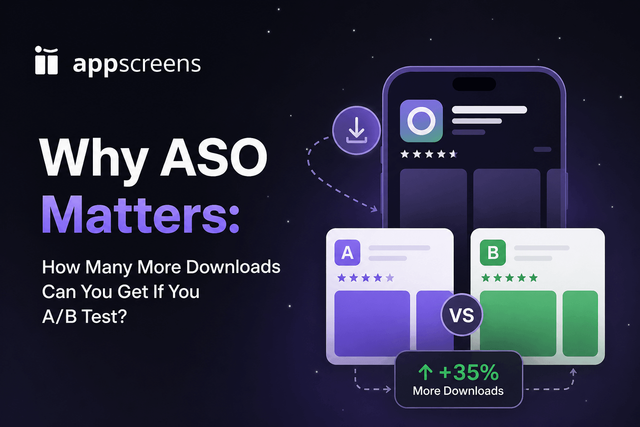
Why ASO Matters: How Many More Downloads Can You Get If You A/B Test?

ASO A/B testing can turn the store traffic you already have into more installs without buying more ads. Public case studies show the upside: OLBG reported +61% conversion from iOS screenshot testing, Darby Smart saw +73.7% more Get clicks from an icon test, and localization examples report +101% to +128% more downloads. At 10,000 monthly downloads, even a +15% lift is about 1,500 extra installs.

Why Localization Matters: How Many More Downloads Can You Get If You Translate Your App and Store Meta?

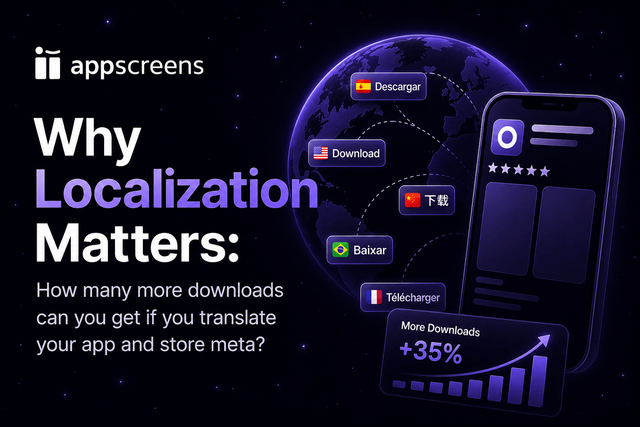
Why Localization Matters: How Many More Downloads Can You Get If You Translate Your App and Store Meta?

Localization matters because users search, understand, trust, and install apps faster in their own language. Translating your app and store metadata can add meaningful downloads: published evidence includes Distimo's +128% more iPhone downloads after native-language support, Coin Splash's +101% global downloads after localized ASO, Koo's +15% organic installs in non-English contexts, and screenshot-localization tests from +33% to +36% conversion. For 10,000 monthly downloads, that is roughly +1,500 to +12,800 extra downloads when you choose the right market.

What Languages Should I Localize My App Into in 2026?

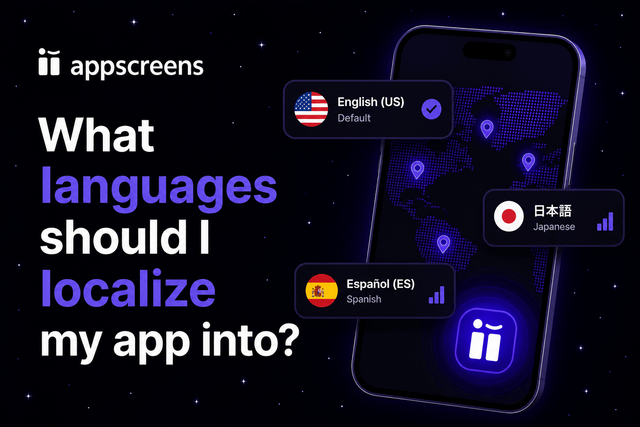
What Languages Should I Localize My App Into in 2026?

Localization can materially change downloads, revenue, and paid traffic performance when the market is right. Public examples include +101% global downloads after localized ASO and +128% more iPhone downloads after native-language support. Use the table to shortlist language strategies, then choose exact App Store locales from your analytics, revenue, conversion rate, paid traffic plans, support readiness, and product fit.

How to Translate and Localize App Store Screenshots with AppScreens

How to Translate and Localize App Store Screenshots with AppScreens

Translate and localize App Store screenshots by starting with a strong base screenshot set, adding target languages, giving AI translator guidance, adapting locale-specific terms, fixing long text and RTL layouts, swapping screenshots or images per language, then exporting or uploading localized assets to App Store Connect and Google Play. Good-quality screenshots can change conversion: screenshot updates are cited around +6% downloads on iOS and +9% on Google Play, ASO testing examples range from about +4% to +61%, screenshot-localization examples report +33% to +36% conversion gains, and broader localization examples include +101% to +128% more downloads. AppScreens keeps the production work in one editable project with 80+ localizations, AI translation, automatic text fitting, per-language assets, store-ready exports, uploads, variants, and future updates so teams can avoid cloned files, repeated size exports, and one-language-at-a-time uploads.

App Store Screenshot Optimization Playbook for 2026

App Store Screenshot Optimization Playbook for 2026

Learn how to optimize App Store and Google Play screenshots: first-frame promise, benefit-led captions, real UI proof, localization, testing, export rules, and the AppScreens editable-project workflow. First-screen benchmarks cite 72% of iOS product page sessions ending without scrolling, 90% of users not scrolling past the third screenshot, and only 1% reading the full description across SplitMetrics experiments. ASO testing examples range from about +4% to +61%, a +15% win is roughly 1,500 extra downloads at 10,000 monthly downloads, screenshot benchmarks cite a median winning lift around +11.8% conversion, and localization examples report +101% to +128% more downloads.

Product Page Optimization on iOS in 2026: What to Test First
ASO App Store Screenshots

Product Page Optimization on iOS in 2026: What to Test First

Start iOS Product Page Optimization with the first screenshot, then caption angle, then screenshot order. First-impression assets carry the most leverage: public benchmarks cite 72% of iOS product page sessions ending without scrolling and 90% of users not scrolling past the third screenshot. Public examples include Rovio at +13% conversion and about 2.5M additional installs from screenshot and creative testing, Peak Brain Training at +8% icon conversion, WordBoard at +3.54% icon lift, and localization examples from +101% to +128% more downloads.

Apple Screenshot Wrong Size? Fix "The Dimensions of One or More Screenshots Are Wrong"
App Store Screenshots

Apple Screenshot Wrong Size? Fix "The Dimensions of One or More Screenshots Are Wrong"

If App Store Connect says "The dimensions of one or more screenshots are wrong", check the exact pixel dimensions of the screenshots you already have, whether they came from AppScreens, a real device, Simulator, Figma, Canva, AI, or another screenshot tool. Then use View All Sizes to find the matching iPhone, iPad, or other display section. If no section matches, export the correct App Store screenshot size from AppScreens.

Why we built AppScreens
Company

Why we built AppScreens

We built AppScreens after shipping apps ourselves and repeatedly losing time to screenshot sizes, device frames, localization, App Store Connect requirements, and Google Play screenshot exports.

Turn screenshots into installs

Make your app value obvious with professional, localized, store-ready screenshots for every required app store size.

Back to blog