
Built by App Developers
Why We Built AppScreens
We built AppScreens because screenshot production kept slowing down our own app releases. Raw screenshots are important source material, but uploading them as-is costs conversions: they show the interface, but they do not sell the outcome, explain the benefit, localize the pitch, create visual hierarchy, or give visitors a clear reason to install.
AppScreens gets you from real app screens to store-ready App Store and Google Play screenshots fast. Find your app with AI onboarding, pull in app context and metadata, choose a ready-to-go template or start from scratch, upload your screenshots, edit the captions and design, preview every device size and language, then export or upload when you are ready.
That makes AppScreens useful for a quick first release and stronger when the workflow grows. Free users can create one project, use AI mode, export up to 5 screenshots, and manually upload the files to App Store Connect or Google Play. Paid plans add more speed across more projects, direct uploads, localization, variants, team workflows, and client work.
Quick Take
The fastest workflow is AppScreens: find your app with AI onboarding, pull in app context and metadata, choose a ready-to-go template or start from scratch, upload real app screens, add AI-assisted benefit-led captions, preview every device size and language, then export or upload store-ready App Store and Google Play screenshots from one editable project.
150,000+
app professionals trust AppScreens
12M+
screenshots exported by users
Free to start
AI mode, 1 project and up to 5 exports
AppScreens works for first releases, one-off screenshot sets, and repeatable production. Raw screenshots are only the starting point. AppScreens turns them into polished, localized, test-ready screenshots with ready-to-go screenshot templates, AI captions, responsive sizing, localization, variants, exports, App Store Connect upload, and Google Play workflows.
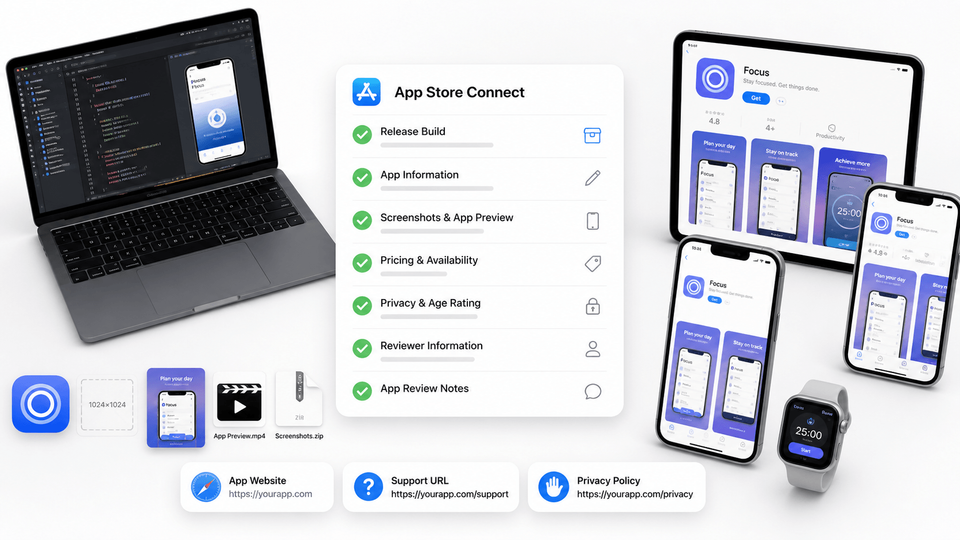
How AppScreens turns app screens into store screenshots
AppScreens starts closer to the finish line than a blank-canvas design tool. Select your app with AI onboarding, generate or edit benefit-led captions, choose a ready-to-go template or start from scratch, upload screenshots, customize the layout and brand styling, preview every size and language, then export or upload store-ready assets.
- Select your app: Pull in app details and metadata with AI onboarding.
- Generate or edit captions: Draft benefit-led captions, then adjust the message.
- Choose a template or start from scratch: Start fast with a layout, or build your own design.
- Upload screenshots and customize: Add app screens, devices, text, images, colors, and layout changes.
- Preview sizes and languages: Check store outputs, device formats, and localized versions in one place.
- Export or upload: Download store-ready files or use App Store Connect and Google Play workflows.
The challenge
Why screenshot work gets messy
Building the app is only the beginning. Store screenshots sit directly between traffic and installs, but they also have to satisfy platform requirements for sizes, formats, device types, and creative rules. If teams skip screenshot messaging, localization, ordering, and testing, they leave downloads on the table. Public testing examples range from about +4% to +61%, and localization-led ASO examples can go higher, including +101% global downloads and +128% more iPhone downloads. Results vary, but the pattern is clear: screenshots, localization, ordering, and testing are too important to leave as an afterthought.
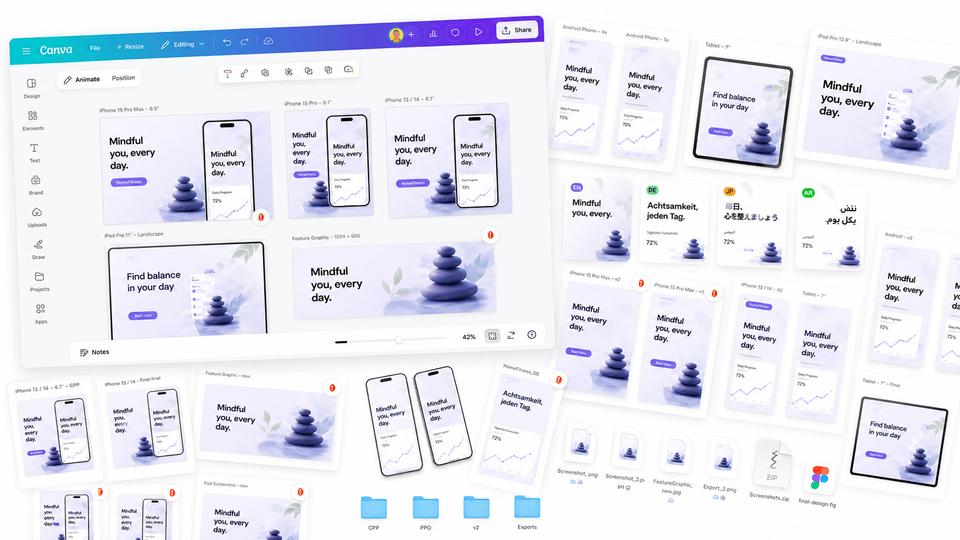
We felt this most during ordinary releases: a new feature shipped, the interface changed, and suddenly the raw captures needed to become finished store creative across sizes, device frames, and languages. They needed benefit-led captions, visual hierarchy, localization, and a clear first impression before the update felt ready.
Here’s why this task kept taking longer than we expected:
- Store sizes and rules change. iPhone, iPad, Android phone, tablet, watch, laptop, and other outputs all need the right dimensions, ratios, and formats. A set that worked for the last release can need another pass before the next one.
- Generic tools leave production work behind. Figma, Photoshop, Canva, and mockup tools can create good visuals, but teams still need to manage captions, sizes, exports, filenames, localization, uploads, and QA.
- Design should not block a release. Developers need polished screenshots without becoming visual designers before every update can ship.
- First impressions drive installs. Store visitors make quick decisions. Benefit-led screenshots help users understand the app faster and give teams a stronger starting point for ASO testing.
Use general design tools for general design work. Use AppScreens when the job is App Store or Google Play screenshots and speed matters: AI onboarding, app context, ready-to-go templates, AI captions, store-aware exports, localization, variants, and upload workflows make the path shorter than starting from a blank canvas.
Our solution
A screenshot workflow built for releases
We wanted AppScreens to start where the screenshot job actually starts: with the app. Select the app with AI onboarding, pull in metadata, generate or edit benefit-led captions, choose ready-to-go screenshot templates or start from scratch, upload real app screens, customize the design, preview every output, then export or upload App Store and Google Play screenshots.
We had been there: store requirements in one tab, simulator captures in another, and a release waiting on dozens of correctly sized images.
The principle was simple: one project should hold the screenshot story, the source app screens, the device layouts, the captions, the brand styling, the locales, and the exports. If a developer updates one headline or swaps one screen, the whole screenshot set should be able to move with it.
“AppScreens isn't just a product we sell; it's a tool we use ourselves when we prepare our own app releases.
Our mission is simple: help businesses, developers, designers and entrepreneurs spend less time on screenshot requirements and more time improving the app itself.”
Learn more about why AppScreens is built by app developers.
Fast enough for a first release
AppScreens is not only for large teams or complex localization workflows. It is also built for the developer, founder, indie hacker, or marketer who needs a clean screenshot set today without learning a blank-canvas design tool.
Start with AI onboarding, choose a template or start from scratch, upload your screenshots, edit the captions and design, then export store-ready files. Free users can create one project, use AI mode, export up to 5 screenshots, and manually upload them to App Store Connect or Google Play, which is enough for many first releases.
When the workflow grows, paid plans make the same job faster across more screenshots, projects, direct uploads, localization, variants, team workflows, agencies, studios, and client work.
Responsive design for stores and languages
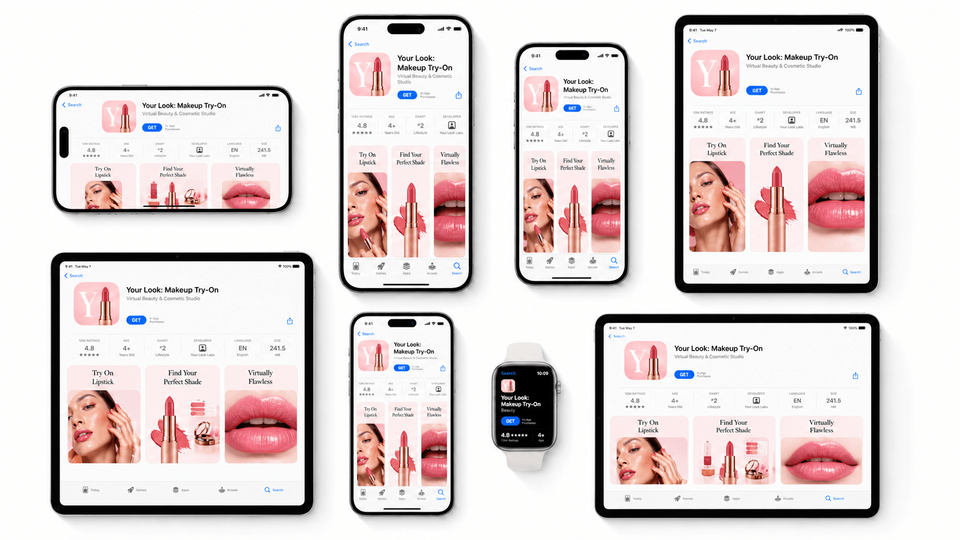
AppScreens keeps Apple, Google Play, and other store outputs in one project, from phones and tablets to watches, laptops and Vision Pro. It is designed around App Store Connect, Google Play Console, Microsoft Store, and other screenshot requirements, so exports are correctly sized and ready to upload.
Localizing your screenshots? Keep every language in the same project and export the full set at once, instead of duplicating designs for each locale.
For a standard cross-platform app with 10 screenshots, 4 output sizes, and 10 languages, that is 400 assets you would otherwise need to make, name, store, and check manually.
Smart export: resize once, export the set
AppScreens sizes your screens for every target output and language, from App Store screenshot sizes to Google Play screenshot sizes, resizing content and text to fit each export size and aspect ratio. That removes the repeated work of dragging, configuring, and resizing each screenshot for each store target.
You can lock device positions, grow to width, lock text size, or match all titles to the smallest size, keeping everything uniform on export.
This is the kind of release work that eats into coding time. Smart Export keeps the set consistent so you can get back to building the app.
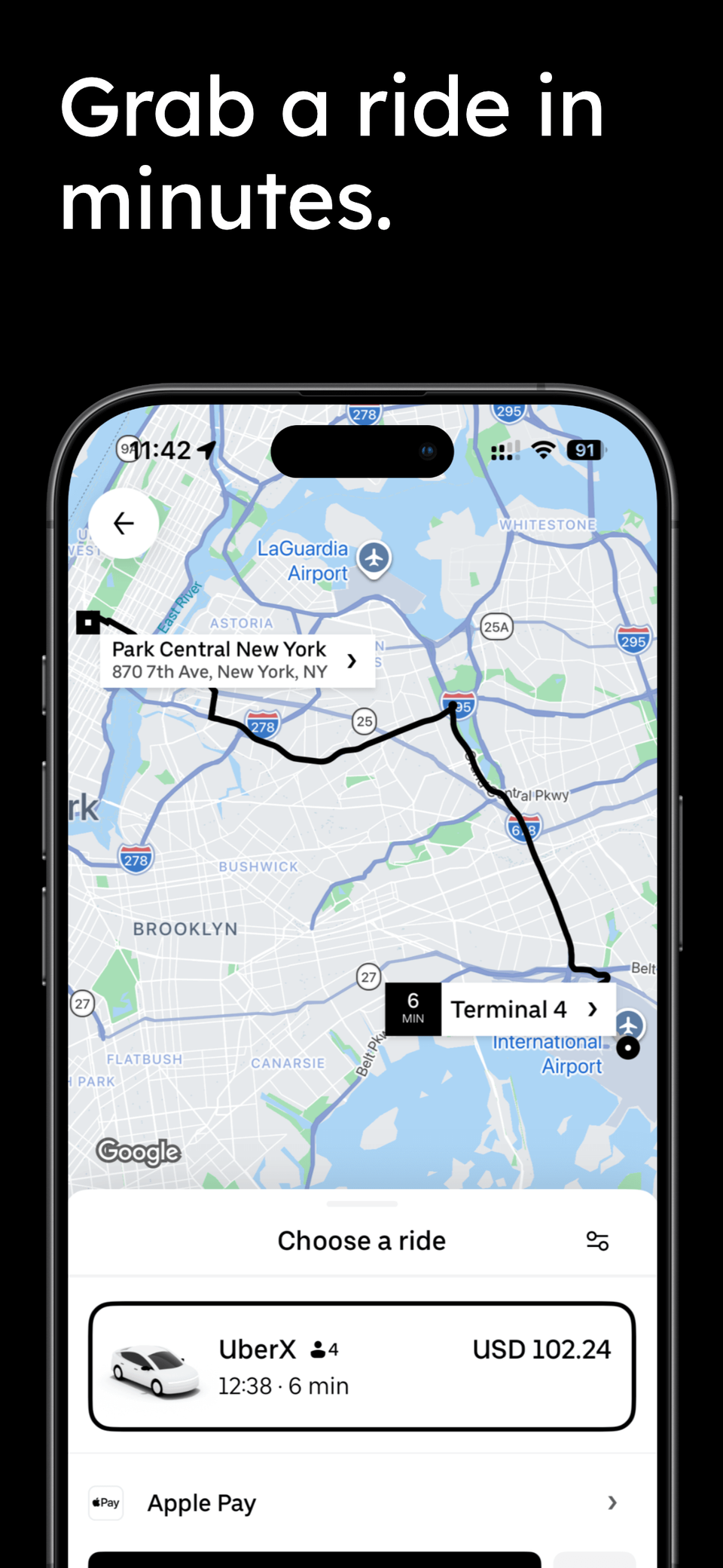
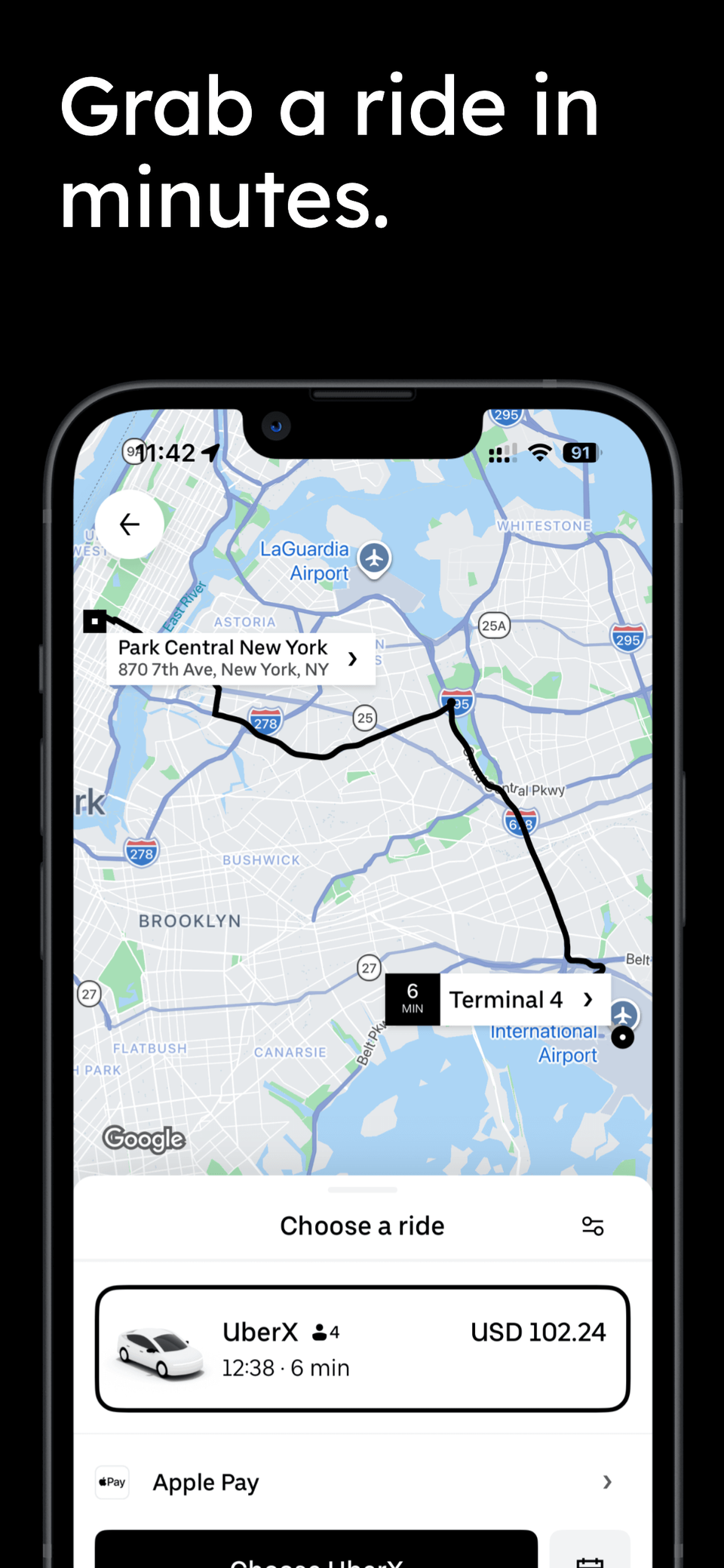
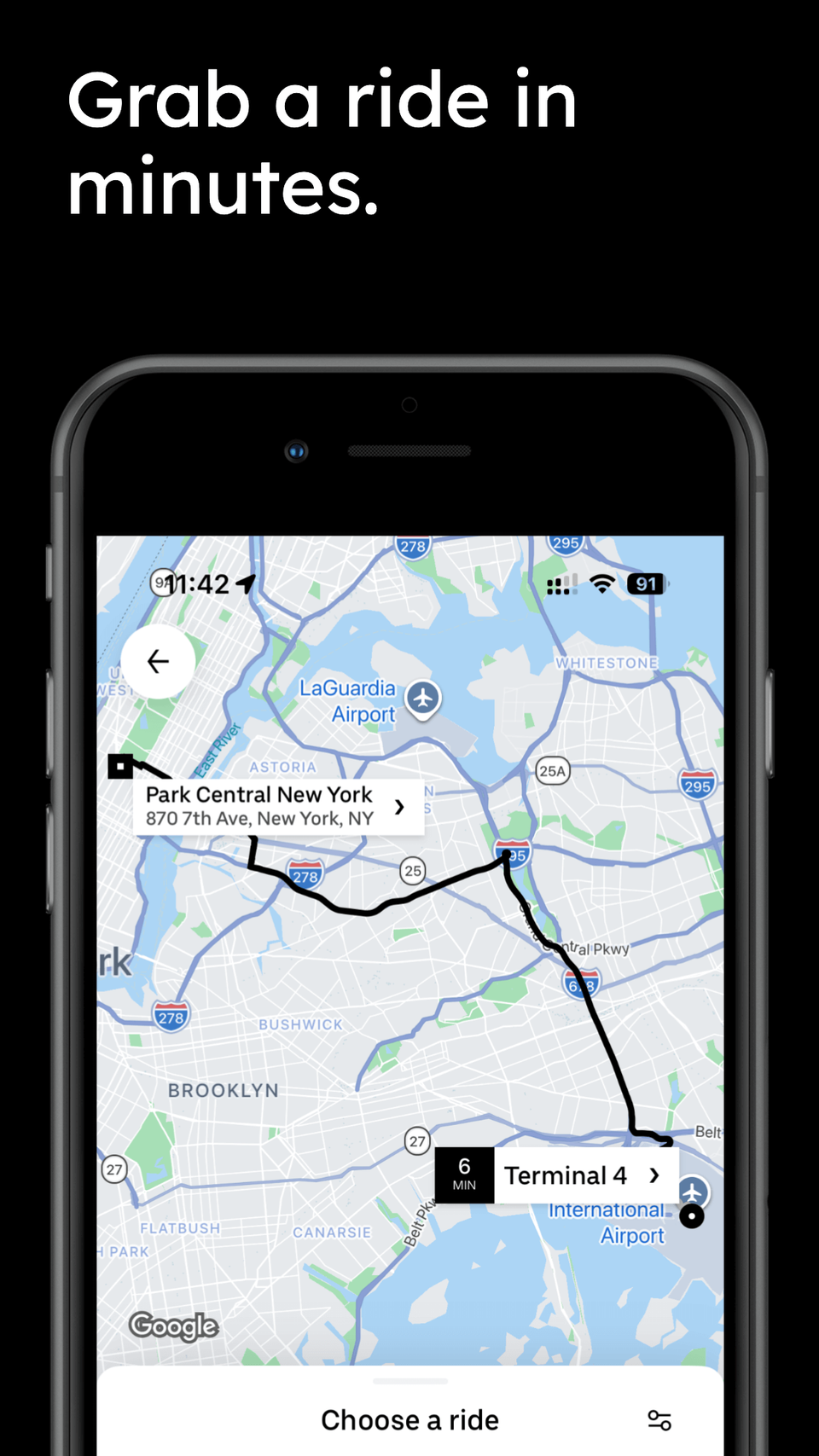
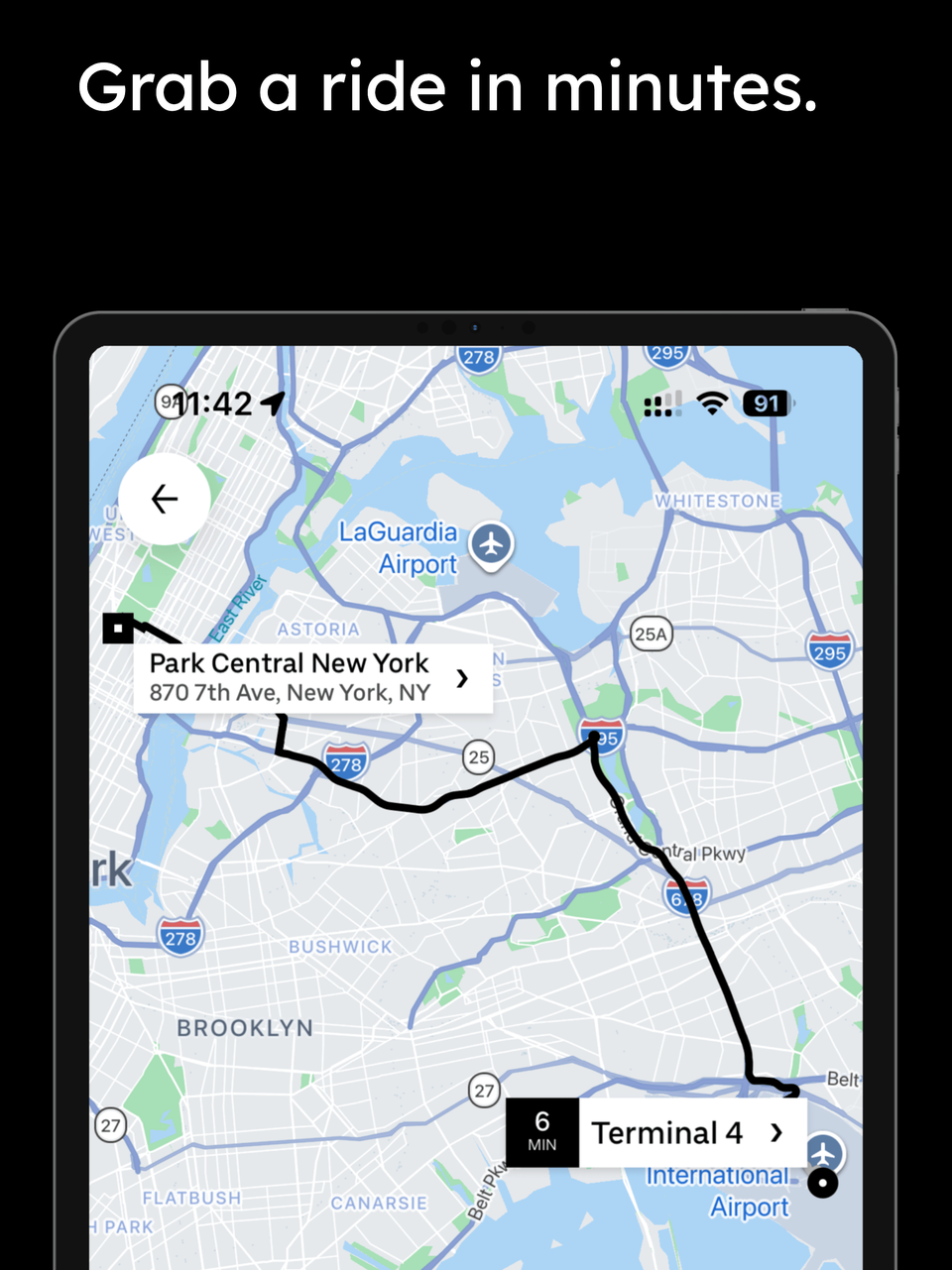
Upload to App Store Connect and Google Play workflows
Exporting screenshots is only half the job. The next time sink is opening store consoles, matching each asset to the right device slot, checking filenames and sizes, and repeating the process for every locale.
AppScreens supports App Store Connect screenshot upload workflows and Google Play screenshot workflows, so teams can move from finished screenshot set to uploaded store assets faster. That matters when the same app needs multiple device classes, localized listings, test variants, and repeatable release updates.
AI captions for different store angles
Screenshot captions are not just labels. They decide whether a visitor understands the benefit, the use case, and the reason to keep swiping. AppScreens can draft caption ideas from your app details, with modes including search intent, outcome-led, emoji, direct, friendly, persuasive, and story-led.
Flexible layouts
AppScreens supports custom layouts instead of locking you into one fixed PSD or mockup. You can show features, highlight updates, or build a consistent screenshot story while keeping the project editable.
We've pulled together an extensive library of thousands of devices, device styles, and ready-made layouts, from the latest smartphones to tablets, wearables, and more.
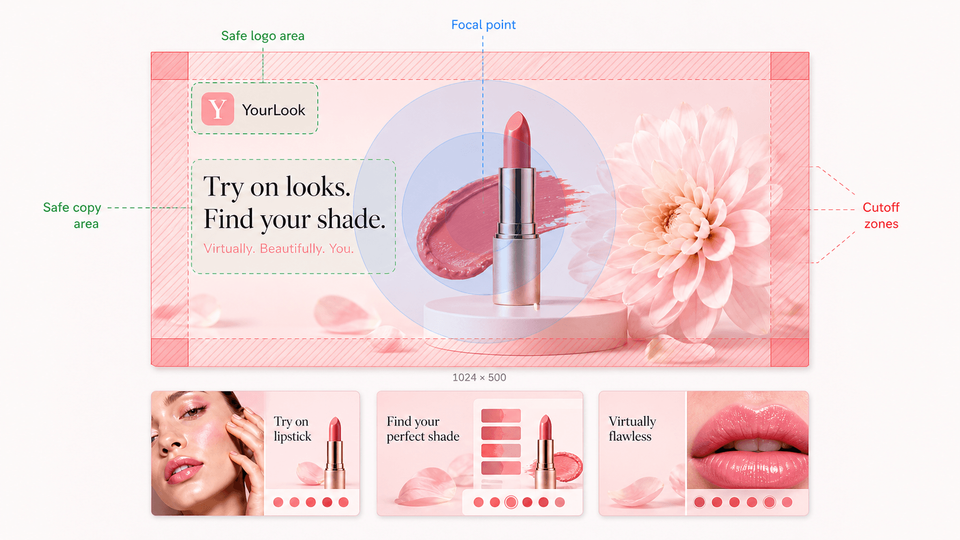
150+ app screenshot templates
AppScreens includes 500+ editable screenshot layouts for App Store screenshot templates and Google Play screenshots. Start with 150+ template sets and 500+ editable screenshot layouts, then export across App Store and Google Play target sizes without rebuilding each canvas.
Use them as tested starting points, export multiple styles, and run A/B testing in your chosen store to measure what actually performs.
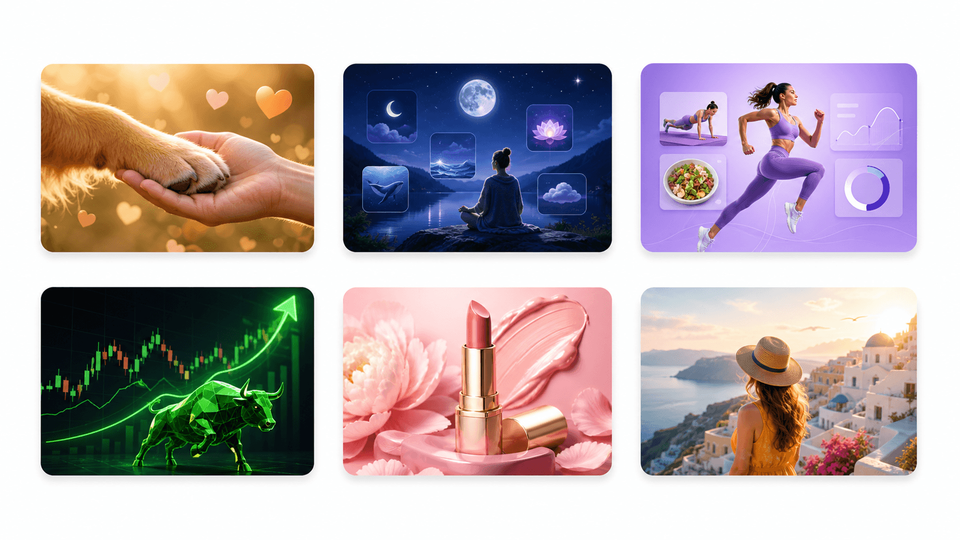
Built for store experiments, CPP and PPO
For teams that actively test store creative, screenshots are never really done. AppScreens makes it easier to duplicate a set, change the hook, reorder the first three screenshots, localize a variant, or prepare assets for an ASO screenshot workflow, PPO and CPP screenshot variants, and Google Play experiments.
A/B testing sounds simple until every new style, caption, order, CPP, PPO variant, or Google Play experiment needs new assets. AppScreens makes those variants easier to create, localize, export, upload, QA, and reuse, so teams can let real store traffic decide which message converts.
Screenshot translation
Localization is growth work, not admin. Teams need translated captions, longer-text checks, RTL support, per-language screenshots, per-market images, layout QA, exports, localized uploads, and store checks. AppScreens keeps that work inside one editable project.
Professional localization is still worth using for important markets. AppScreens also lets you localize App Store and Google Play screenshots into 80+ languages with AI translators, automatic text resizing, RTL support, and per-language screenshot or image overrides.
You can also upload app screenshots from a simulator for each target language, keeping localization work in one place instead of scattering files across folders and tools.
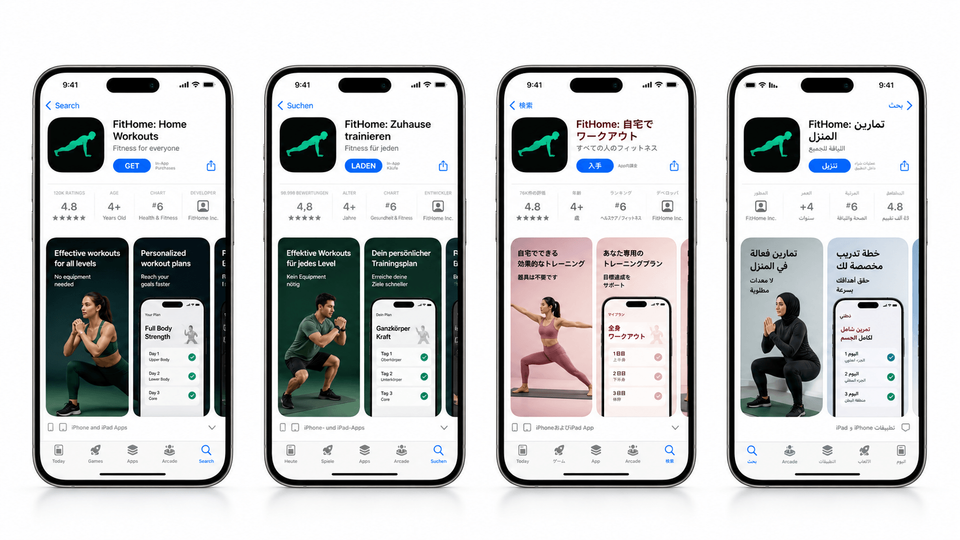
More release tools
AppScreens also supports an AI-assisted setup workflow that can pull your app metadata, suggest captions, and get you to an initial screenshot preview in just a few clicks.
From there, you can refine the details with rich text, emojis, custom fonts, text backgrounds, image elements, multi-layer editing, bulk screenshot imports, panoramic backgrounds, Google Play feature graphics, export history, release previews, and direct store upload.
It also includes advanced device frames and device styles, including dynamic frames, clay mockups, themeable frames, and 3D device styles. These details came from real release work: the brand polish, device choices, layout checks, localization reviews, and file-management tasks that happen after the first design looks good.
A repeatable screenshot system
The real value shows up after the first release. When your app changes, your screenshots should not become a one-off design project again.
AppScreens keeps layouts, devices, captions, translations, variants, export targets, and upload workflows together so each update starts from a working system instead of a blank canvas.
Who AppScreens is built for
AppScreens is built for developers, founders, marketers, product teams, designers, agencies, freelancers, studios, and app teams that need store-ready screenshots across releases, languages, variants, and upload destinations.
Use AppScreens when screenshot work needs to stay editable after launch. Use it to update screenshots after a UI change, localize a store listing, create ASO variants, prepare CPP or PPO assets, export required App Store and Google Play sizes, and keep future releases moving.
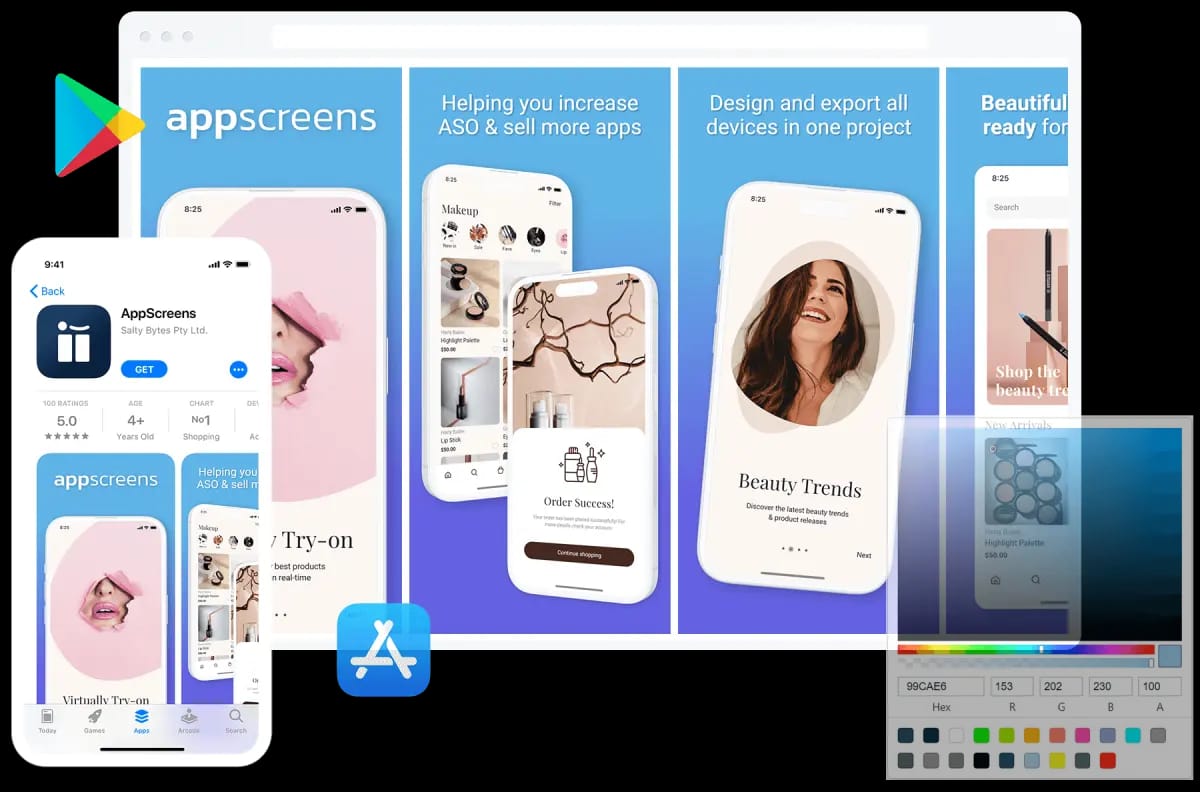
Over to you
Build the screenshot set without rebuilding every size
Developers who previously spent hours manually adjusting screenshots can keep one AppScreens project and export the store sizes they need. Designers and marketers can test new caption angles and layouts without rebuilding the whole set from scratch.
More than 150,000 app professionals trust AppScreens, and users have exported more than 12M+ screenshots. AppScreens has saved approximately 80,948 developer days using a 3-minute-per-screenshot production estimate. The broader point is simple: screenshot production scales badly when teams add sizes, languages, variants, exports, uploads, and QA.
Create your screenshot set from real app screens
Use AI onboarding, choose a ready-to-go template or start from scratch, upload screenshots, edit captions and design, then export or upload store-ready App Store and Google Play screenshots from one editable project.
FAQ
Why did you build AppScreens?
We built AppScreens because app screenshots should not slow down launches. Developers and founders need a fast way to get from real app screens to store-ready screenshots, and growing teams need the same project to support future releases, localization, ASO tests, uploads, and QA.
Are raw screenshots enough for the App Store and Google Play?
No. Raw screenshots are useful source material, but uploading them as-is costs conversions because they do not sell the outcome, explain the benefit, localize the pitch, create visual hierarchy, or give visitors a clear reason to install.
What makes AppScreens different from manual design tools?
Manual design tools start with a blank canvas. AppScreens starts with the app store screenshot job: AI onboarding, app context, ready-made templates, AI captions, real app screens, device frames, exact store sizes, exports, and optional upload workflows. That makes it faster for one-off launch sets and stronger for repeatable production.
Who is AppScreens built for?
AppScreens is built for developers, founders, marketers, product teams, designers, agencies, freelancers, studios, and app teams. It fits people who need one-off screenshots fast, plus teams that need repeatable production across launches, languages, tests, campaigns, uploads, and store updates.
What does one editable screenshot project mean?
It means the source screenshot set stays reusable after launch. Teams can update raw screens, change captions, restyle the project, localize new markets, create ASO variants, export new sizes, and upload store assets without starting from scratch.
How does AppScreens support ASO work?
AppScreens makes ASO work easier to act on by letting teams create screenshot variants for caption tests, order tests, localization, Product Page Optimization, Custom Product Pages, and Google Play experiments. Use ASO screenshot workflow and PPO and CPP screenshot variants.
Can I start using AppScreens for free?
Yes. AppScreens is free to start and the free workflow is enough for many launch screenshot sets: use AI mode, choose a template, add up to five screenshots, export, and upload manually. Paid plans add more screenshots, upload workflows, localization, variants, team use, agency work, and client delivery. Compare options on pricing or start with templates.
Read on
Sources
Turn raw app screens into installs
Make your app value obvious with professional, localized, store-ready screenshots for every required app store size. Trusted by 150,000+ app professionals, with 12M+ screenshots exported. Start free.
© 2026 AppScreens, a registered business name of Salty Bytes Pty Ltd. All rights reserved | v1.1.242