
Developer APIComing soon


One workflow
Both stores
App Store Screenshot API
Coming soon: ship updated App Store and Google Play screenshots without rebuilding the design. The AppScreens REST API will update your captures and captions, render previews and export PNG or JPEG assets for the devices and languages you choose.
Public access is not open yet. Build the reusable project in AppScreens today, ready for the API. Agent MCP
AppScreens · Screenshot editor
Example Developer API export: a POST /v1/exports request for English (U.S.) and German produces four PNG files for iPhone with Dynamic Island (medium display) and iPad 13-inch, packaged as release-files.zip.
App professionals
Screenshots exported
Developer days saved














Editable designs, automated updates
Keep your screenshot design. Automate the next release.
Save your screenshot design
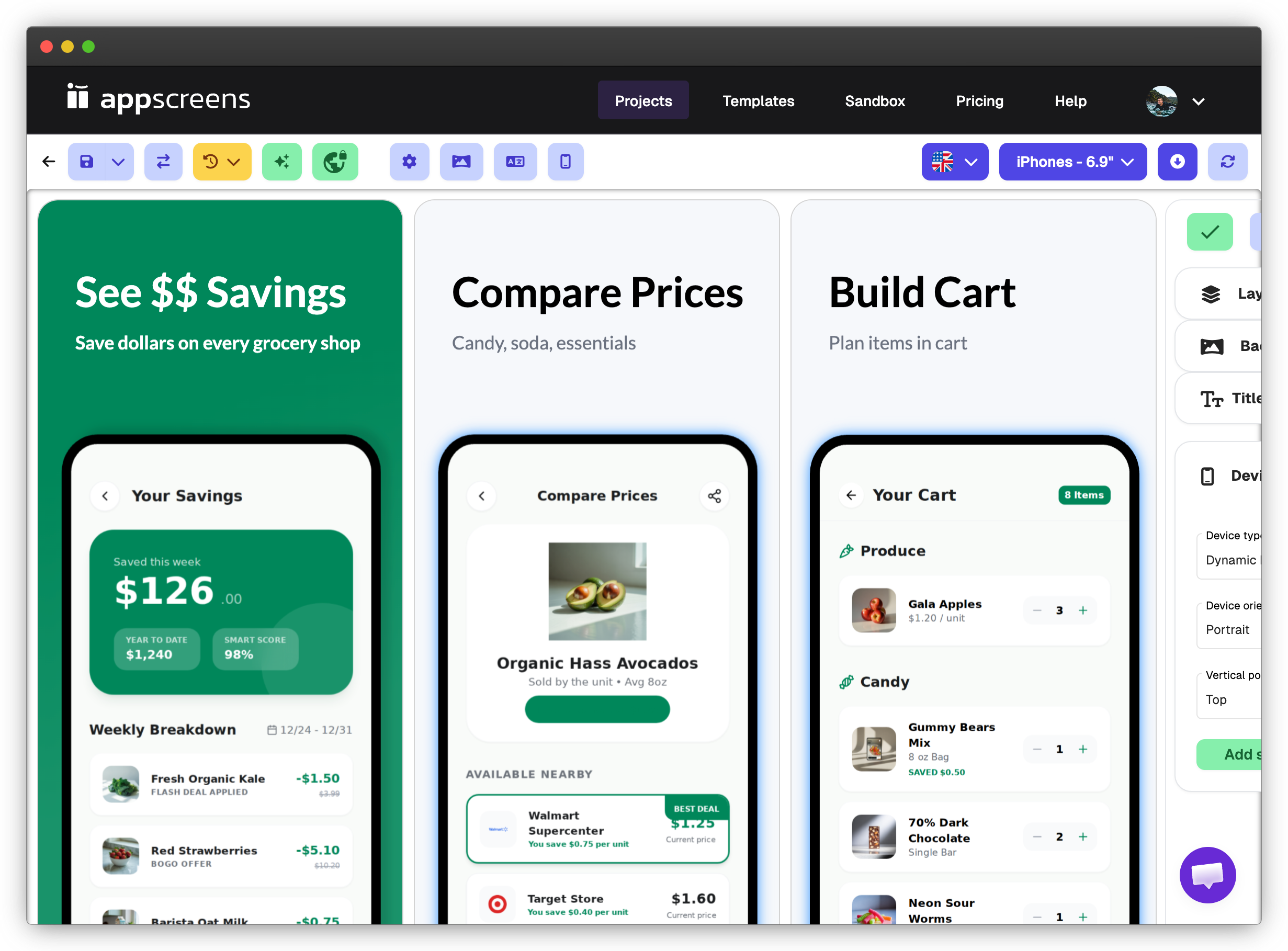
Update an editable AppScreens project
Start with an AppScreens template or reuse a project you already designed. Your script replaces the captures and captions that changed, while the layout, branding and device treatments stay editable in AppScreens.
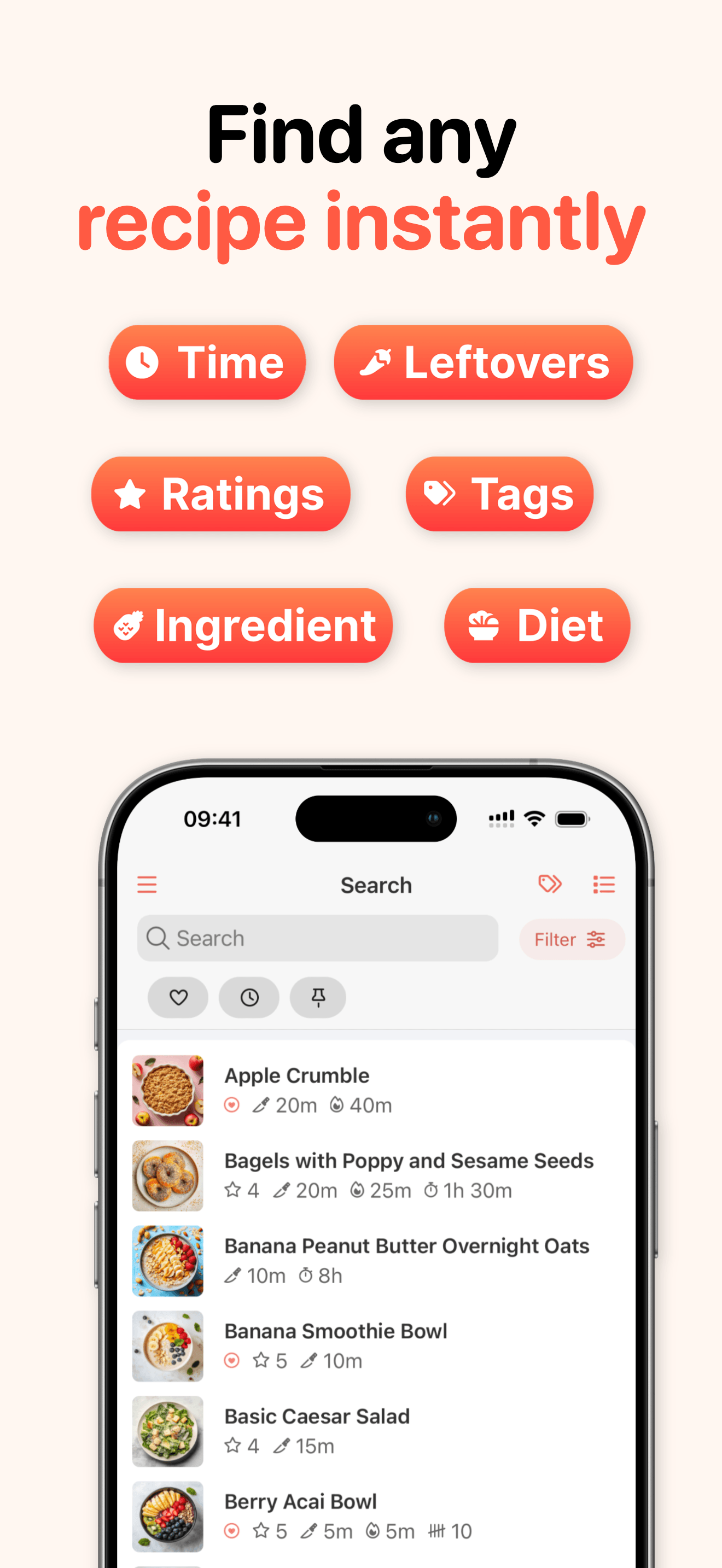
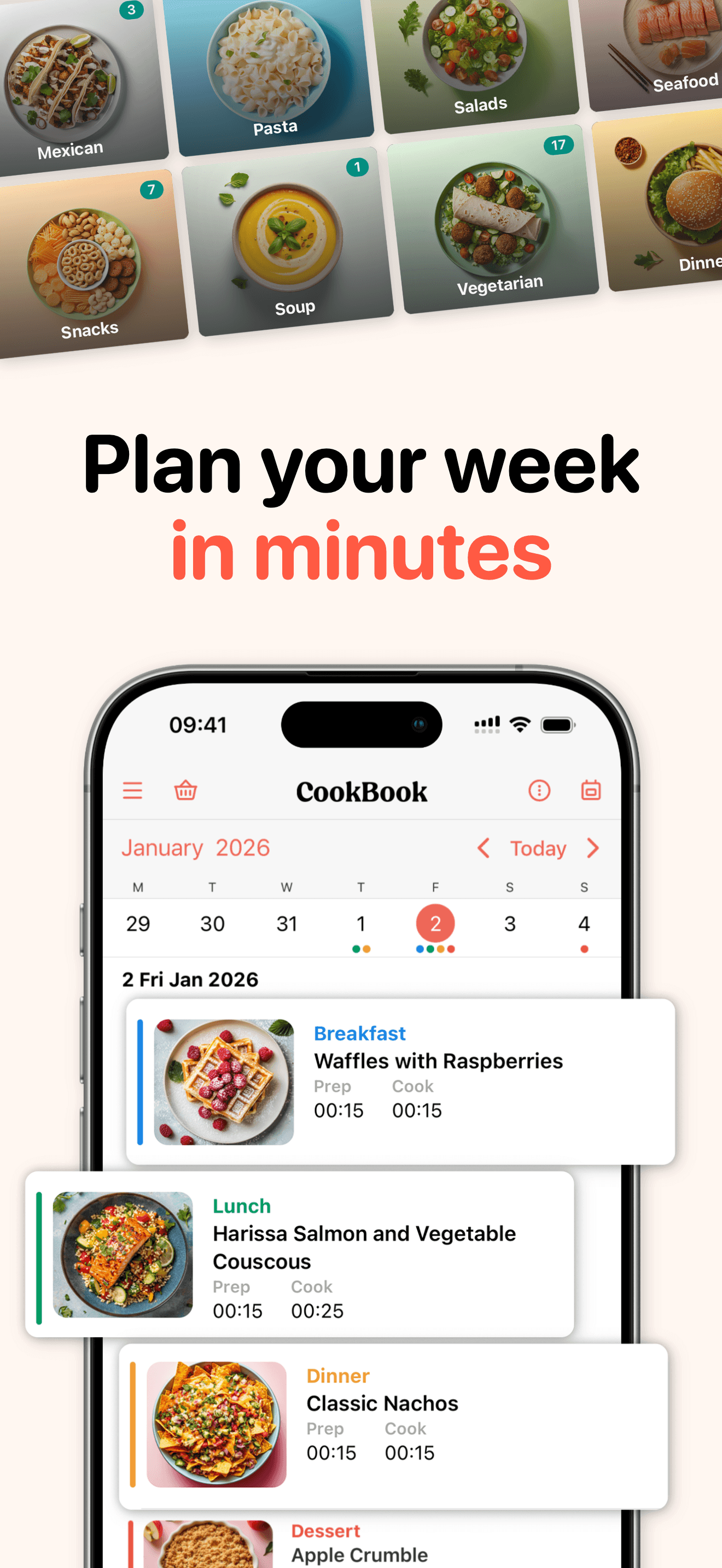
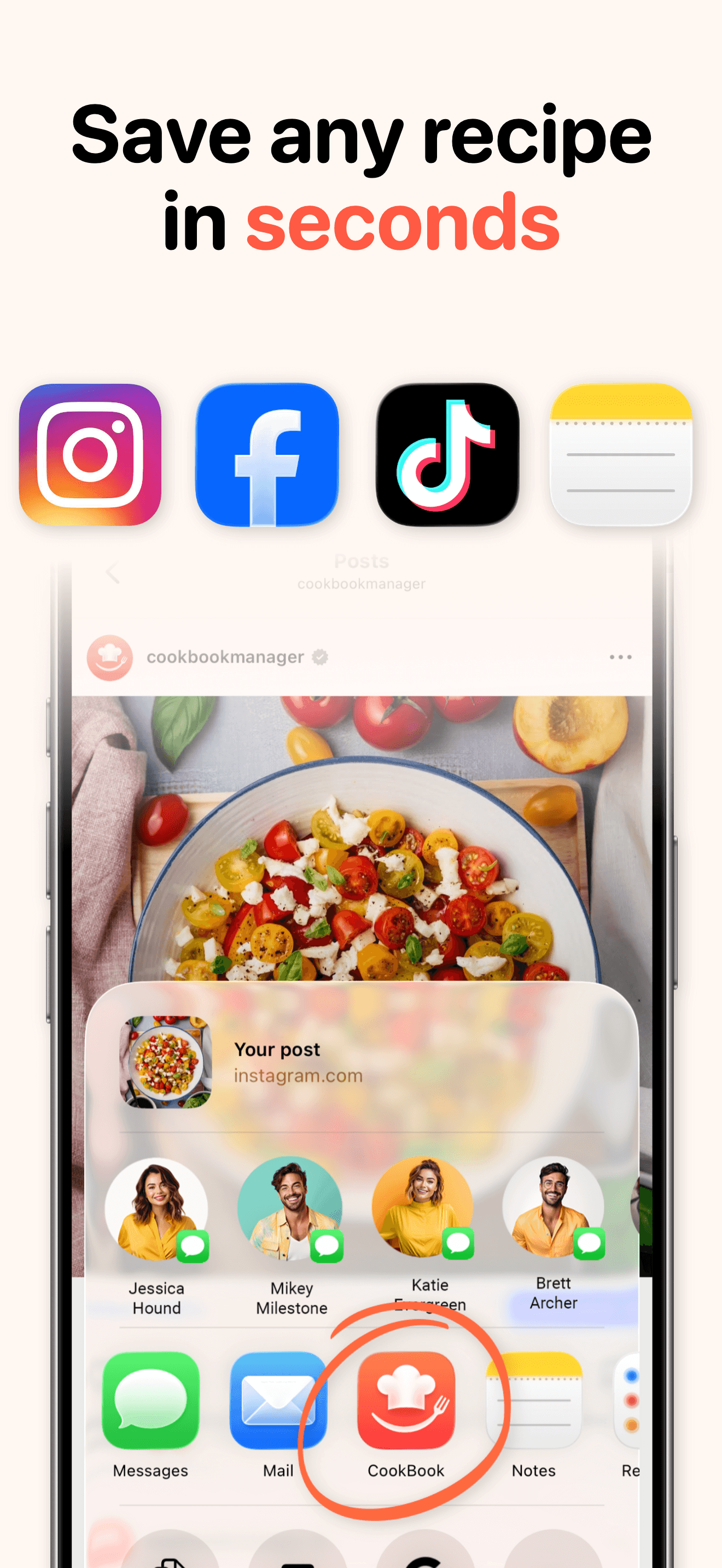
Generate your release assets
One request. Every selected size and language.
Choose the screenshot pages, languages and device sizes once. AppScreens renders the combinations on the server, so your script can check progress and collect the finished files when they are ready.
POST /v1/previews
{
  "projectId": "<saved project ID>",
  "screenshotIds": ["<screenshot page ID>"],
  "languageCodes": ["en-US", "de-DE"],
  "targetIds": ["<enabled render target ID>"],
  "format": "jpeg",
  "scale": 0.25
}Your development stack
Fits your release workflow
- REST + OpenAPI
- One documented contract for REST and MCP
- Any HTTP client
- curl, Node, Python or your own tools
- GitHub Actions
- Keep the files with your release
- Fastlane
- Hand off to deliver and supply
Seven release steps
Automate App Store screenshots for every release
Keep the design you approved. Your script updates the parts that changed, previews them and exports the store sizes you need.
The OpenAPI reference and connection guide are coming soon.
Jump to the request example- 1
Connect and check the account
Use a scoped API key, then read account readiness, enabled capabilities and the separate API and render allowance before starting work.
- GET /v1/account/setup
- GET /v1/capabilities
- GET /v1/usage
- 2
Set up the app and destination
Create or select the AppScreens app record, validate its identifiers and use the secure browser handoff when store credentials are needed.
- POST /v1/apps
- POST /v1/apps/{id}:validate
- POST /v1/store-lifecycle/credentials/setup
- 3
Choose the project, languages and targets
Browse templates, create or duplicate an editable project, then configure the supported languages and store output targets for the release.
- GET /v1/catalog/templates
- POST /v1/projects
- PATCH /v1/projects/{id}/settings
- 4
Apply approved assets, copy and design changes
Upload and validate app captures, plan their assignments, update reviewed text or translations and apply supported design-document changes against the current revision.
- POST /v1/assets/uploads
- POST /v1/projects/{id}/text:replace
- POST /v1/projects/{id}/design-document:import
- 5
Validate and inspect the real preview
Catch missing assets before export, then render the selected pages, languages and devices. Review a page or contact sheet before generating the full set.
- POST /v1/projects/{id}/export:validate
- POST /v1/previews
- GET /v1/operations/{id}:wait
- 6
Export and retrieve the finished files
Start the full-resolution export, wait or poll without holding one request open, then request a fresh short-lived link for the owned files.
- POST /v1/exports
- GET /v1/operations/{id}:wait
- GET /v1/exports/{id}/files/{fileId}/download
- 7
Continue into separately approved store work
Read shared metadata guidance, preview listing or draft-release changes, and separately approve screenshot delivery to the exact reviewed app, store and languages.
- POST /v1/apps/{id}/store/metadata/preview
- POST /v1/apps/{id}/store/releases/preview
- POST /v1/store-lifecycle/deployments/preview
Capabilities
What the API covers
Create and update an editable project, render its screenshots and collect the finished assets from your own tools. The API also supports store metadata and screenshot delivery, with approval before store changes.
Scroll across to see every column.
| Operation | AppScreens editor | Developer API |
|---|---|---|
| Create or duplicate a project from a template or blank canvas | Available now | Included |
| Configure languages, targets and project settings | Available now | Included |
| Replace app captures for each device and language | Available now | Included |
| Update captions, translations and supported design settings | Available now | Included |
| Preview pages, devices and languages | Available now in Preview & Export | Included |
| Export PNG or JPEG files and retrieve shared history | Available now | Included |
| Inspect versions and restore an earlier project revision | Included in testing | Included |
| Manage metadata, draft releases and approved screenshot delivery | Store workflows available now | Included |
Automate localized screenshots from one project
Keep translated captions, local app captures and device sizes in the same project. Your script supplies the wording for each market; AppScreens applies it to the design and renders the combinations you select.
Three screenshot pages across two languages and three device targets make 18 images, rendered from one saved design.
Build your localized screenshot projectOne design. Two languages.
English + German
en-US

de-DE

Your repository → AppScreens → Fastlane
Automate app screenshots with Fastlane and GitHub Actions
Keep snapshot, screengrab or your UI tests for capturing the app. Add AppScreens where those raw captures become designed, localized store screenshots.
- Keep your AppScreens key in an Actions secret, never in the repository.
- Stable idempotency keys make retried jobs safe.
- Keep the files and operation ID with your build artifacts.
Store-ready archives
Example structure
App Store
fastlane/
└── screenshots/
    ├── en-US/
    └── de-DE/
fastlane deliver
Google Play
fastlane/metadata/android/
├── en-US/images/
│   └── phoneScreenshots/
└── de-DE/images/
    └── phoneScreenshots/
fastlane supply
An export can prepare an archive in Fastlane’s folder layout for one store. Packaging the files does not upload them; store upload stays a separate step with your own credentials, or AppScreens’ direct uploads.
Create an editable screenshot project by API
Choose the design you want to keep using. The API creates an editable project from the template, ready for your app captures and approved captions. Server and CI requests use a scoped AppScreens API key, and creation jobs use stable idempotency keys for safe retries.
Create a project
POST /v1/projects HTTP/1.1
Host: api.appscreens.com
Authorization: Bearer <APPSCREENS_API_KEY>
Content-Type: application/json
Idempotency-Key: <unique-key-for-this-request>

{
  "mode": "template",
  "templateId": "<selected template ID>",
  "name": "Next app release",
  "clearTemplateScreenshots": true
}
API endpoints
GET /v1/capabilitiesRead the actions enabled for the account and connection.GET /v1/usageCheck API and render allowance before starting work.GET /v1/catalog/templatesBrowse reusable starting designs.GET /v1/projects/{projectId}Read the project, its settings and current revision.POST /v1/assets/uploadsCreate a constrained upload for an owned image asset.POST /v1/projects/{projectId}/export:validateRun the shared design and export-selection checks.POST /v1/previewsRender selected pages, languages and output targets for inspection.POST /v1/exportsStart the full-resolution render operation.GET /v1/operations/{operationId}:waitWait briefly or return the latest durable operation state.GET /v1/exports/{exportId}/files/{fileId}/downloadIssue a fresh short-lived link for an owned completed export.
Before, during and after each run
Release screenshots within your existing pipeline
Choose what your integration can do
Give each connection the access it needs. Revoke an integration without losing the screenshot projects it helped create.
Keep the latest design intact
If a designer changes the project while your script is running, the API refuses to overwrite that newer work.
Keep exports running in the background
Start a render and check back for the result. The server continues working without your script holding a request open.
Plan around your remaining allowance
Check API and render usage before a large batch, so your workflow knows how much work it can start.
Return to a design that worked
Restore a saved project version and continue from there, in your script or the visual editor.
Catch missing assets before export
Check the selected design, images and outputs before rendering the release files. Resolve issues before they reach your store upload.
REST for scripts. MCP for agent conversations.
Use the API for explicit HTTP steps in your application, scripts or CI. Agent MCP lets an AI agent work through the same project tasks with you.
Explore Agent MCPBuild the project now. Connect the pipeline next.
Prepare the editable screenshot set in AppScreens today. Public API pricing will be announced with availability.
Start your editable projectStart with a design you can see
Build and review the reusable project in the visual editor. Use the same design for your API workflow.
Create a screenshot project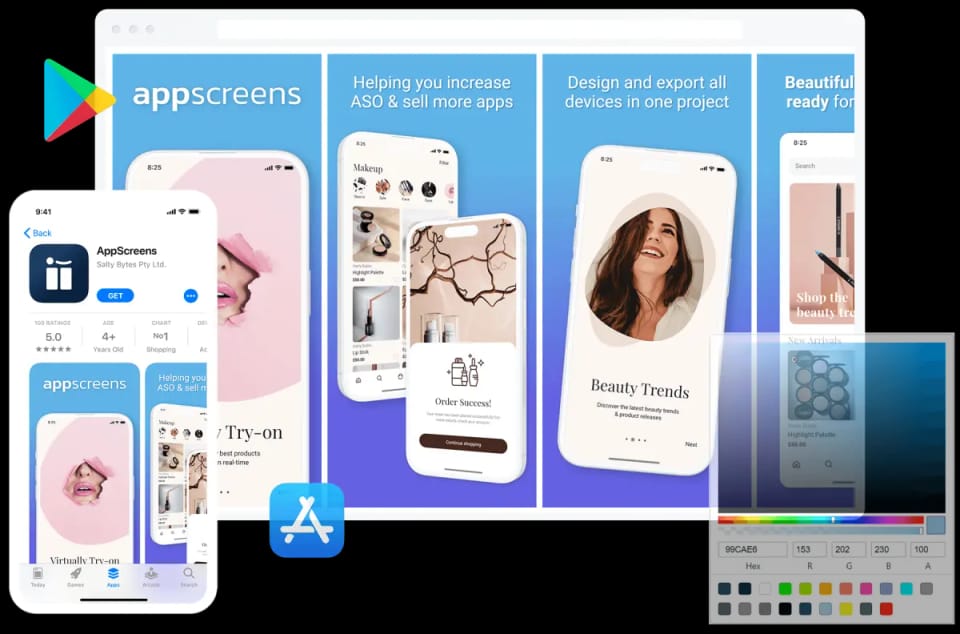

We've Boosted Downloads for over 200,000 App Developers
Real feedback from app builders shipping faster and looking sharper on the App Store and Google Play.


“It has helped us save countless hours, meet store standardized dimensions and elevate the quality of our screenshots.”

“It is really easy to make a good set of screenshots. Amazing tool! Loved it”

“Looks like I have some preview screens! Thanks again to @AppScreens. Pretty good at handling different devices (iOS/Android) with multiple languages”
“Well worth the money, saves hours and hours of kicking around. Highly recommend!”
“It has helped us save countless hours, meet store standardized dimensions and elevate the quality of our screenshots.”
“It is really easy to make a good set of screenshots. Amazing tool! Loved it”
“Looks like I have some preview screens! Thanks again to @AppScreens. Pretty good at handling different devices (iOS/Android) with multiple languages”
“Well worth the money, saves hours and hours of kicking around. Highly recommend!”
“Thanks again for making such a nice tool available to devs. As someone who knows nothing about design or design tools, this was *fantastic* to use to generate my App Store screenshots.”

“You can focus on creating pretty screenshots & polishing marketing phrases. Truly an awesome product!”
“AppScreens is making me sooooo happy!”
“I don't think I could release my app without this tool. It single handedly creates all the output sizes I need to release my app to the Apple App Store and Google Play Store, from one design.”
“Thanks again for making such a nice tool available to devs. As someone who knows nothing about design or design tools, this was *fantastic* to use to generate my App Store screenshots.”
“You can focus on creating pretty screenshots & polishing marketing phrases. Truly an awesome product!”
“AppScreens is making me sooooo happy!”
“I don't think I could release my app without this tool. It single handedly creates all the output sizes I need to release my app to the Apple App Store and Google Play Store, from one design.”

“Great for indie devs or small teams! It's super easy to use and saves you a lot of time, all without compromising design flexibility.”
“Perfect for generating promotion images for App Store! Perfect to auto translate and manage multiple translations and variations”
“The thing I love about this tool is that you can export the screenshots to fit all device sizes in one single click.”
One workspace
Everything you need to ship your store listing
AppScreens is a browser-based App Store and Google Play screenshot designer: one editable project exports every required iPhone, iPad and Android size in 80+ languages and uploads to App Store Connect and Google Play Console.
Create
Optimize
- Screenshot LocalizationTranslate captions and adapt each locale.
- PPO and Custom Product PagesPrepare variants for tests and audiences.
- Screenshot FeedbackGet a free ASO review of your app listing.
- App Store Screenshot SizesFind the right iPhone and iPad dimensions.
- Google Play Screenshot SizesCheck Android dimensions and requirements.
App Store screenshot API questions
Can’t find the answer you’re looking for? Reach out to our customer support team.
Build your reusable screenshot project today
Create the design, add your app captures and refine the message in AppScreens. Keep one editable project for your next release.
© 2026 AppScreens, a registered business name of Salty Bytes Pty Ltd. All rights reserved | v1.1.260