Best App Store Screenshot Tools in 2026 (Free, Paid, Fast & Manual)
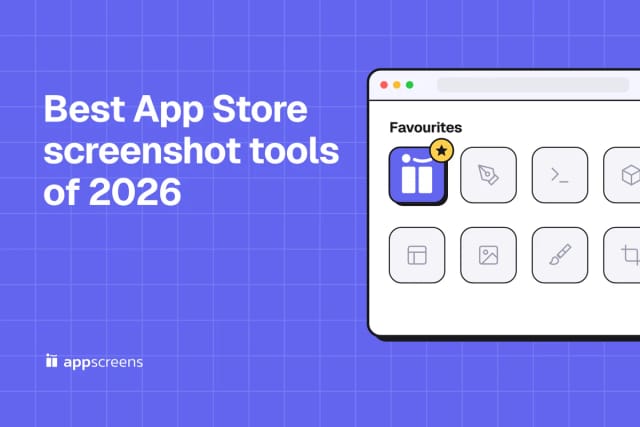
AppScreens is our pick for App Store and Google Play screenshots. Compare the tools on the work that matters after design: store sizes, localization, uploads and the next release.

Guides for app store screenshots, ASO creative strategy, screenshot tools, templates, localization, and the release workflow around them.
Start with a template
Pick a responsive template, add your app screens, and export the sizes each store needs.
20 articles on app screenshots, ASO, tools, and release workflows.
AppScreens is our pick for App Store and Google Play screenshots. Compare the tools on the work that matters after design: store sizes, localization, uploads and the next release.
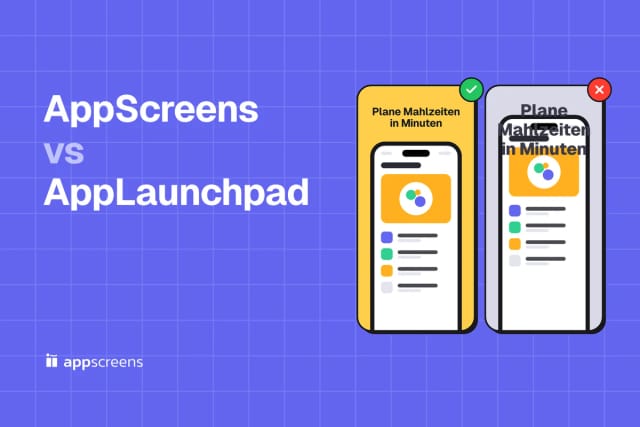
AppScreens keeps one screenshot design connected across store sizes and languages. See how that changes the work of editing captions, preparing a release and uploading the finished set.
Follow six steps from clean app captures to a finished screenshot set. AppScreens handles the repeated sizing work so you can spend your time on the message.
Build a screenshot set that looks like your app and makes its value clear. See a real CookBook project, then apply the same design decisions to your own AppScreens set.
Save one AppScreens project with up to five designs and export essential store sizes free. Learn what you can finish for your first launch and which jobs call for a paid plan.
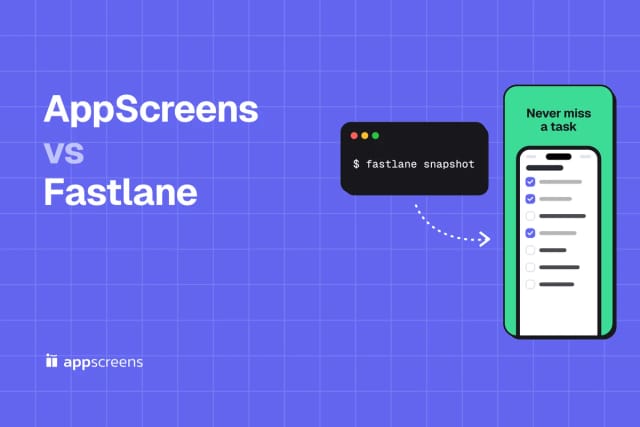
Use Fastlane for repeatable app captures and AppScreens for the finished store presentation. See how the two fit together, from real UI to captions, localized designs and publishing.
Figma gives you a canvas. AppScreens carries the screenshot set through device sizes, languages and store uploads. See why we choose a purpose-built workflow for app releases.
AppScreens is our choice for store screenshots that need to work across devices and markets. Design the set once, keep it editable and take the finished assets straight to the stores.
Choose AppScreens when the job includes more than a mockup. Keep the design, localized assets and store uploads together, ready for the next app release.
Use AI to get to a stronger screenshot idea faster. Keep the real app UI accurate, make the benefit clear and finish the set in AppScreens with editable captions and the store sizes you need.
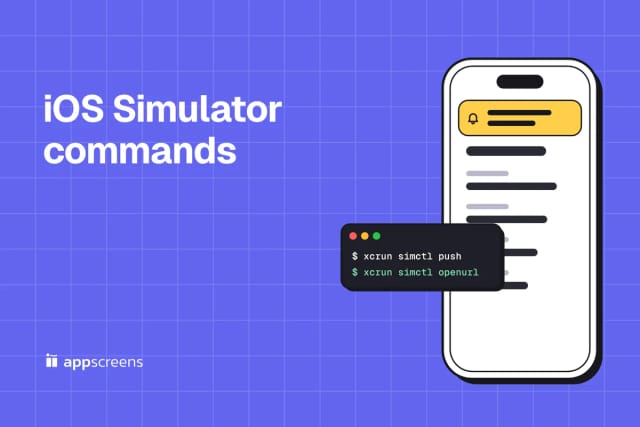
Copy-ready simctl recipes for the Simulator tasks you repeat, each with prerequisites, the full command sequence and the result we saw on Xcode 27.2, including the failure cases.
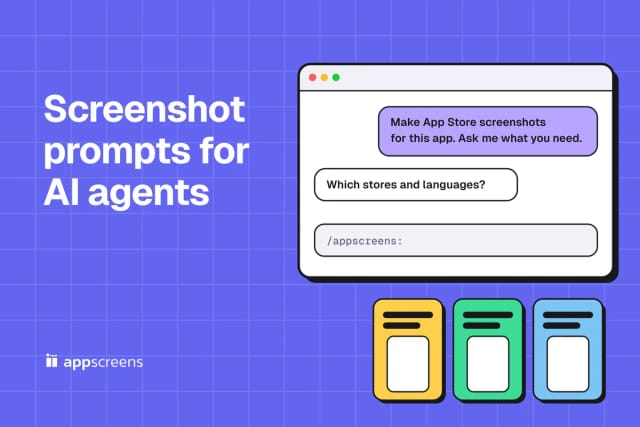
Copy-paste prompts for Claude Code, Codex, Cursor and ChatGPT that turn real app screens into App Store and Google Play screenshots with the AppScreens MCP server, plus a plan prompt for any chat and the results from our test sessions.
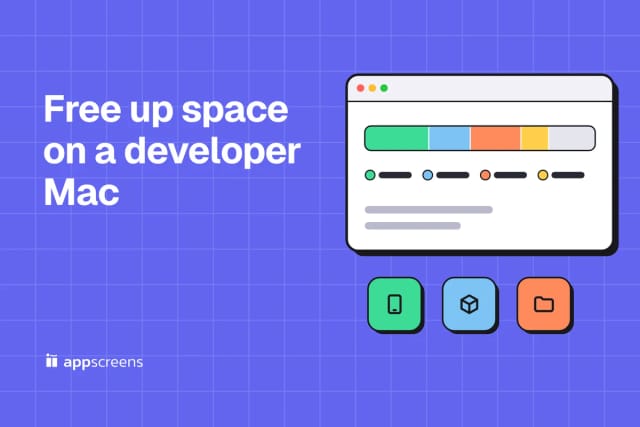
Inspection commands and safe cleanups for the tools that fill a development Mac, split into generated output, re-downloadable caches and data worth keeping, with a read-only report and real measurements.
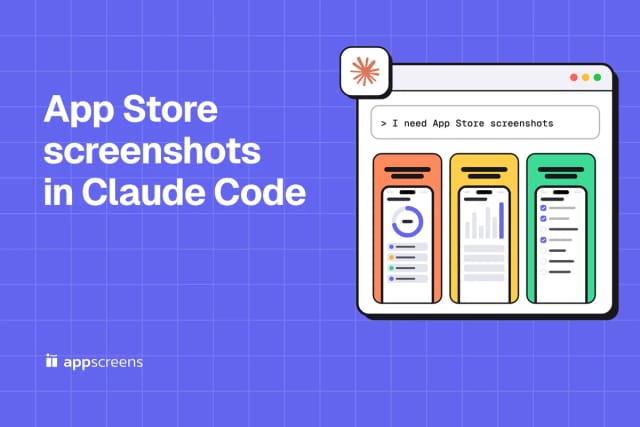
Tell Claude Code what you need, see what AI creates, then ask for tweaks, matching artwork and store uploads. Follow the conversation with real AppScreens examples.
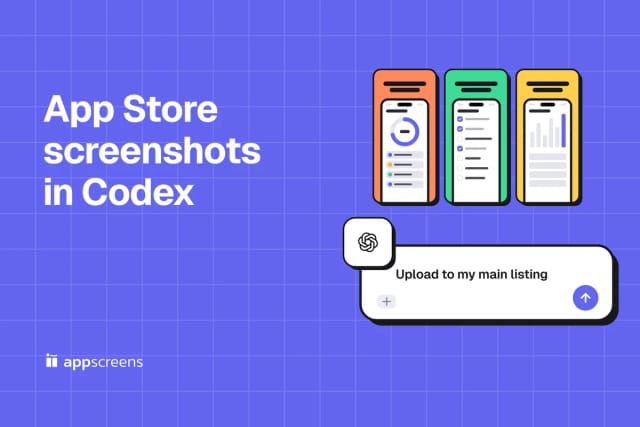
From "I need screenshots" to "upload to my main listing." Follow a real AppScreens example with Codex, copy the prompts and see the designs at each step.
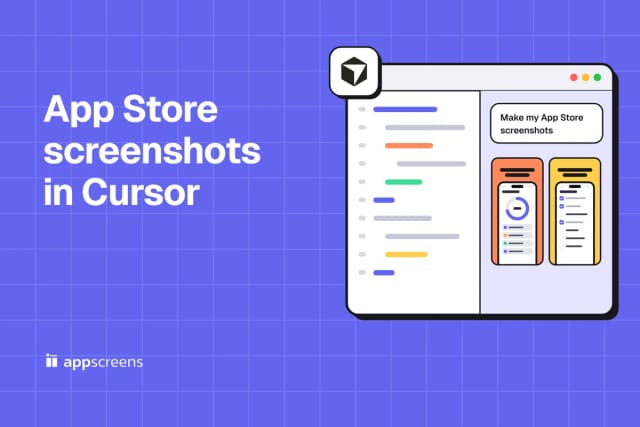
Open Cursor, describe your app and let AI create the set. This visual walkthrough shows what to ask, what you get, and how to finish with artwork, exports and uploads.
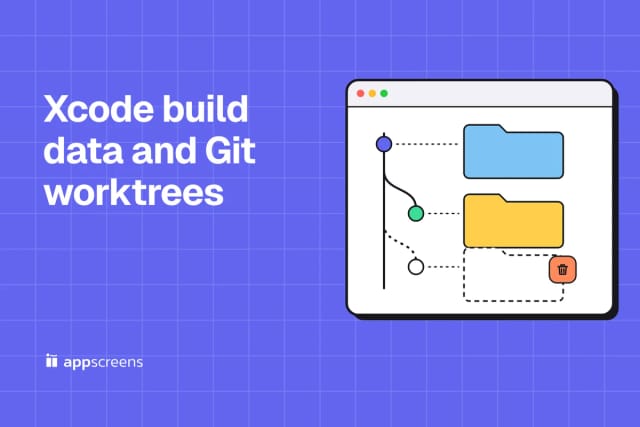
Every Git worktree gets its own Xcode DerivedData folder, and removing the worktree leaves it behind. Map folders to worktrees, spot the orphans and delete only those with a tested report script.
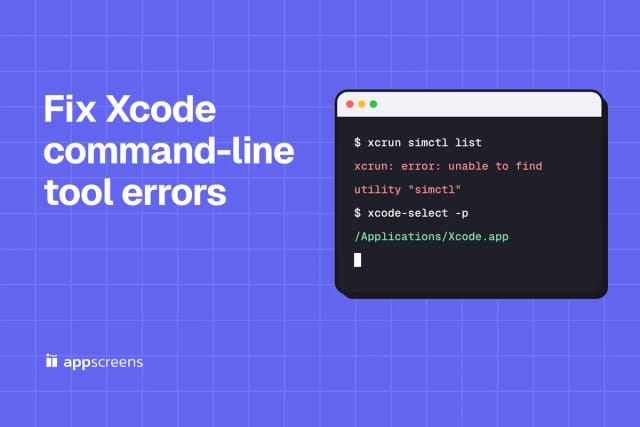
Match the exact error to its cause: missing Command Line Tools, the wrong developer directory or a Terminal using a different Xcode. Each fix has a diagnostic command, real output and a check.
A tested reference for Xcode storage: what each folder holds, what disappears when you delete it, what comes back, and what to keep. Includes a read-only storage report script.
Choose AppScreens for screenshots that stay connected across devices, languages and releases. Compare the editing, localization and publishing work that matters after the first design.
Use the guides, then make the screenshot set. Start from a responsive AppScreens template, localize captions, and export store-ready sizes from one design.
© 2026 AppScreens, a registered business name of Salty Bytes Pty Ltd. All rights reserved | v1.2.3