All About Testing: App Store Screenshots That Get More Downloads
Watch Sammy build, localize and test a screenshot set in AppScreens. See what other app teams learned from their tests, then check whether your own screenshots make the benefit clear.
Guides for app store screenshots, ASO creative strategy, screenshot tools, templates, localization, and the release workflow around them.
Start with a template
Pick a responsive template, add your app screens, and export the sizes each store needs.
9 articles on app screenshots, ASO, tools, and release workflows.
Watch Sammy build, localize and test a screenshot set in AppScreens. See what other app teams learned from their tests, then check whether your own screenshots make the benefit clear.
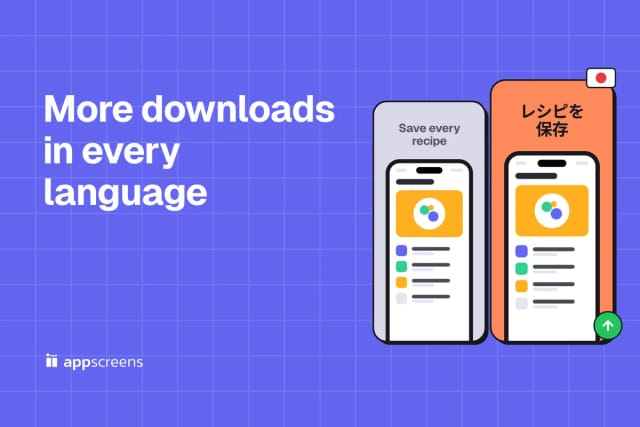
Give the next market a reason to install in its own language. See what localization campaigns achieved, choose where to start and use AppScreens to create the screenshot set without rebuilding every device size.
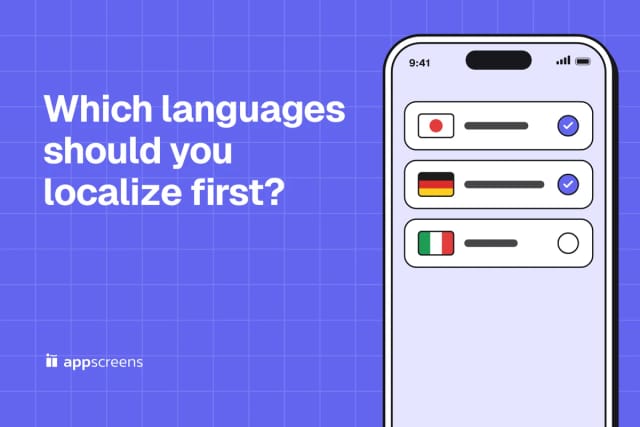
Choose the next language from the markets already showing demand, revenue or a clear fit for your app. Start with a small number of locales and build their screenshot sets in AppScreens.
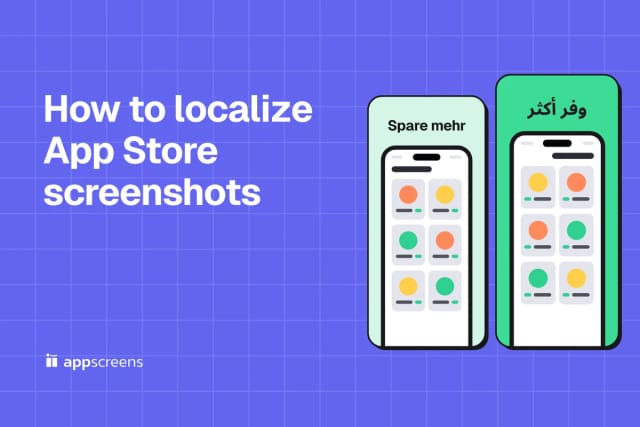
Translate your captions, fit the longer text and choose the right app captures for each market. AppScreens keeps those changes in the same project, ready for localized exports and direct store uploads.
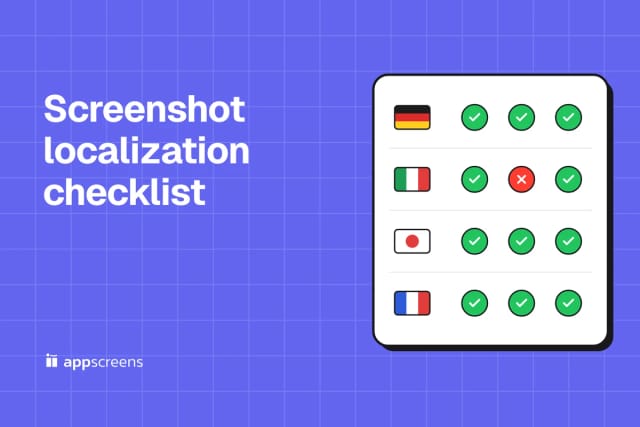
Use this checklist to take a screenshot set into a new market: choose the locale, translate captions, check the app captures and layout, then export the right files.
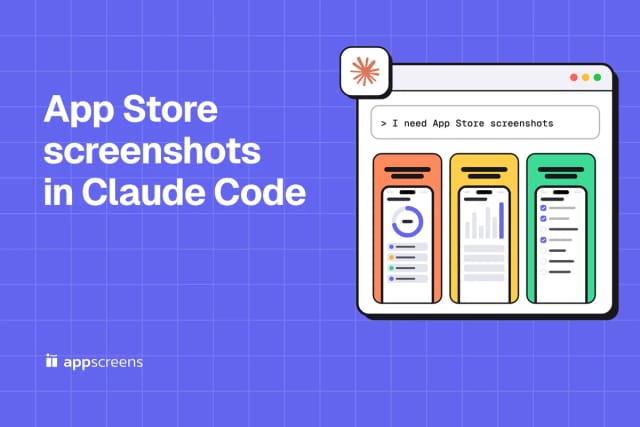
Tell Claude Code what you need, see what AI creates, then ask for tweaks, matching artwork and store uploads. Follow the conversation with real AppScreens examples.
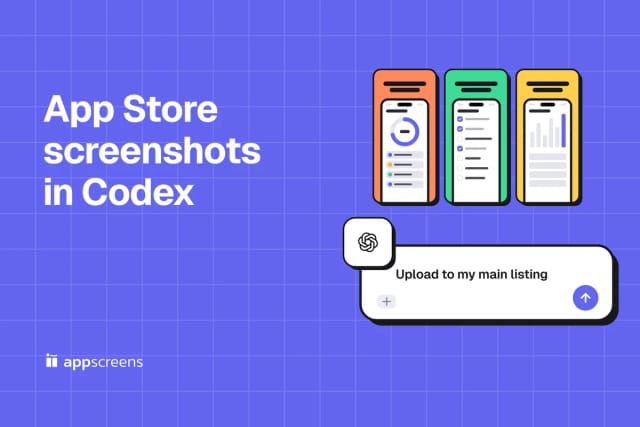
From "I need screenshots" to "upload to my main listing." Follow a real AppScreens example with Codex, copy the prompts and see the designs at each step.
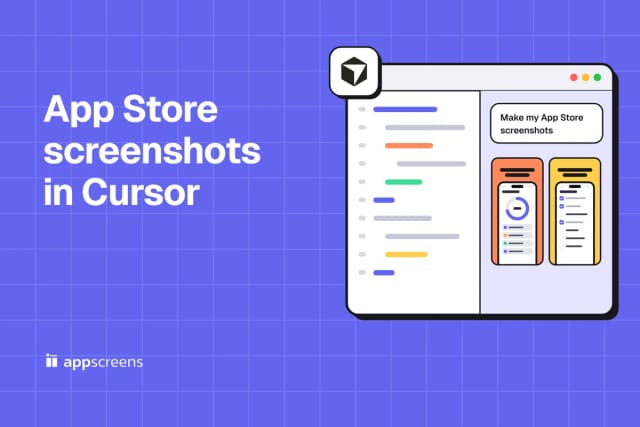
Open Cursor, describe your app and let AI create the set. This visual walkthrough shows what to ask, what you get, and how to finish with artwork, exports and uploads.
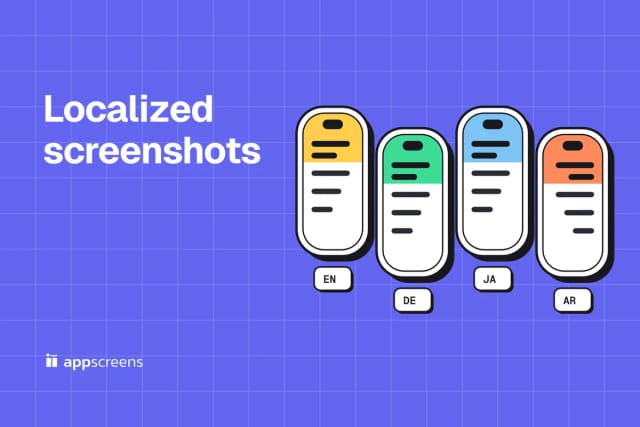
Commands to switch your app's language on the iOS Simulator and Android emulator, which screens and languages to do first, how to automate every language, and how to translate the captions without breaking the layout, with a finished set in four languages.
Use the guides, then make the screenshot set. Start from a responsive AppScreens template, localize captions, and export store-ready sizes from one design.

© 2026 AppScreens, a registered business name of Salty Bytes Pty Ltd. All rights reserved | v1.2.4