AppScreens Blog

Comparisons Articles

Guides for app store screenshots, ASO creative strategy, screenshot tools, templates, localization, and the release workflow around them.

Start with a template

Pick a responsive template, add your app screens, and export the sizes each store needs.

From the blog

13 articles on app screenshots, ASO, tools, and release workflows.

View all
AppScreens vs AppLaunchpad in 2026: Which Screenshot Workflow Is Better?
Sammy GreenerSammy Greener Comparisons

AppScreens vs AppLaunchpad in 2026: Which Screenshot Workflow Is Better?

Compare AppScreens vs AppLaunchpad for app store screenshot templates, drag-and-drop editing, Quick Create, pricing, localization, responsive exports, store listing previews, ASO variants, direct App Store Connect and Google Play Console upload, and the release workflow behind store-ready screenshot sets. Some template packs count resized files as separate templates. AppScreens keeps the designs editable: 150+ template sets, 500+ screenshot layouts, and 2,000+ App Store and Google Play template/output combinations. AppScreens lets teams design once, edit with drag-and-drop controls, resize automatically, localize 80+ languages, preview App Store and Google Play listings, and export or upload store-ready screenshots for App Store Connect, Google Play, and every major app store.

Figma Alternative for App Store Screenshots: When Purpose-Built Tools Win

Figma Alternative for App Store Screenshots: When Purpose-Built Tools Win

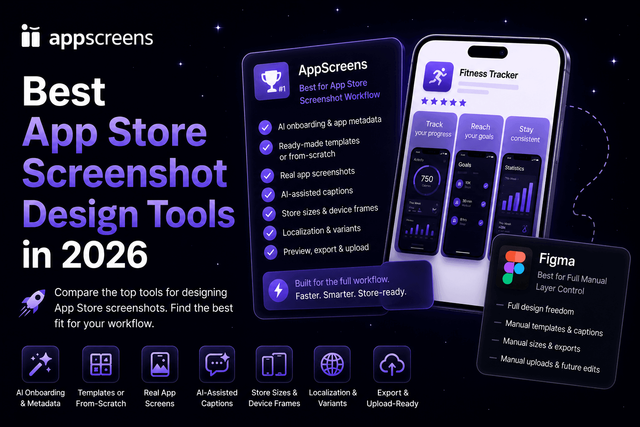
Figma is excellent for product UI, prototypes, design systems, and custom creative direction. But if your job is to create App Store and Google Play screenshots across device sizes, languages, Google Play feature graphics, CPP/PPO variants, experiments, exports, uploads, and future updates, AppScreens is the faster way to avoid rebuilding captions, sizes, localized layouts, and upload files by hand.

AI App Store Screenshot Generators and Prompts: What Should You Trust?

AI App Store Screenshot Generators and Prompts: What Should You Trust?

AI app store screenshot generators and AI screenshot prompts can help you brainstorm captions, backgrounds, device mockups, and visual directions quickly. Whether you learned to code and built your app by hand, or vibe coded it with AI, an app store release still needs screenshots. Final App Store and Google Play screenshots are the front cover of your app listing: if they do not explain the value fast, the app can get lost among millions of other apps before visitors read the description.

How to Make App Store Screenshots in 2026: 6 Methods Compared

How to Make App Store Screenshots in 2026: 6 Methods Compared

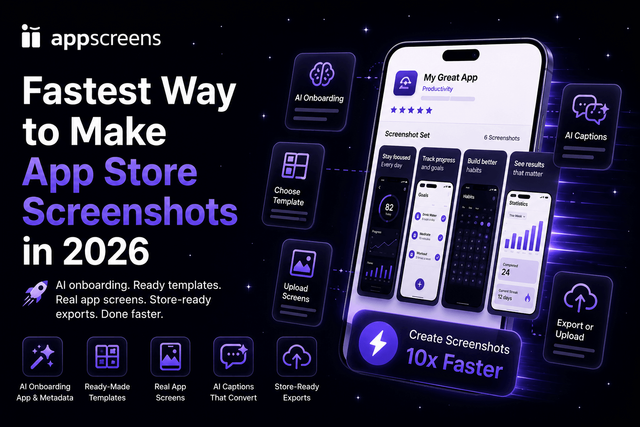
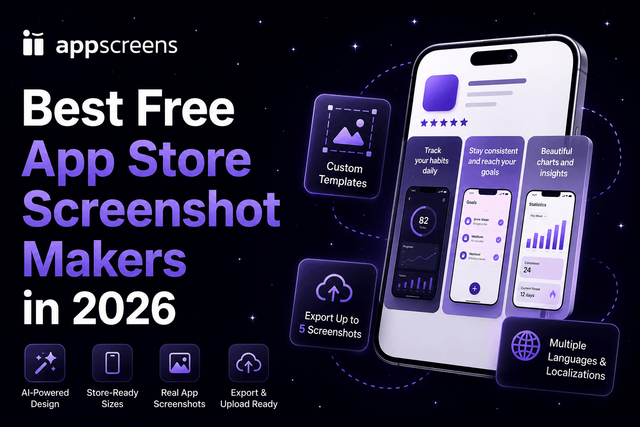
The best workflow for making App Store and Google Play screenshots is AppScreens: find your app with AI onboarding, pull in app context and metadata, choose a ready-to-go AppScreens template or start from scratch, upload real app screens, edit benefit-led captions and design, preview the outputs, then export or upload store-ready assets. Raw phone or simulator captures are one of the fastest ways to get source screens, but uploading them as-is can cost conversions and downloads because they do not sell the outcome, explain the benefit, localize the pitch, create visual hierarchy, or give visitors a clear reason to install. AppScreens is fast, but the bigger win is that the screenshots explain the app, fit store requirements, support ASO, avoid manual sizing and export mistakes, and keep captions, per-language assets, exports, uploads, and future updates connected in one project while variants are faster to create. Free users can create one project, use AI mode, export up to 5 screenshots, and manually upload them to App Store Connect or Google Play. It is trusted by 150,000+ app professionals, and users have exported 11M+ screenshots.

Tools for App Store Screenshots in 2024
Sammy GreenerSammy Greener Tools

Tools for App Store Screenshots in 2024

Crafting compelling app store screenshots is essential to stand out in the crowded digital marketplace. Compare AppScreens, AppLaunchpad, and screenshots.pro, and see why AppScreens leads for responsive screenshot design, 80+ current store languages, and store-ready exports.

Contributors

Read more from the AppScreens team

Turn screenshots into installs

Use the guides, then make the screenshot set. Start from a responsive AppScreens template, localize captions, and export store-ready sizes from one design.

Browse templates