
StashGuard
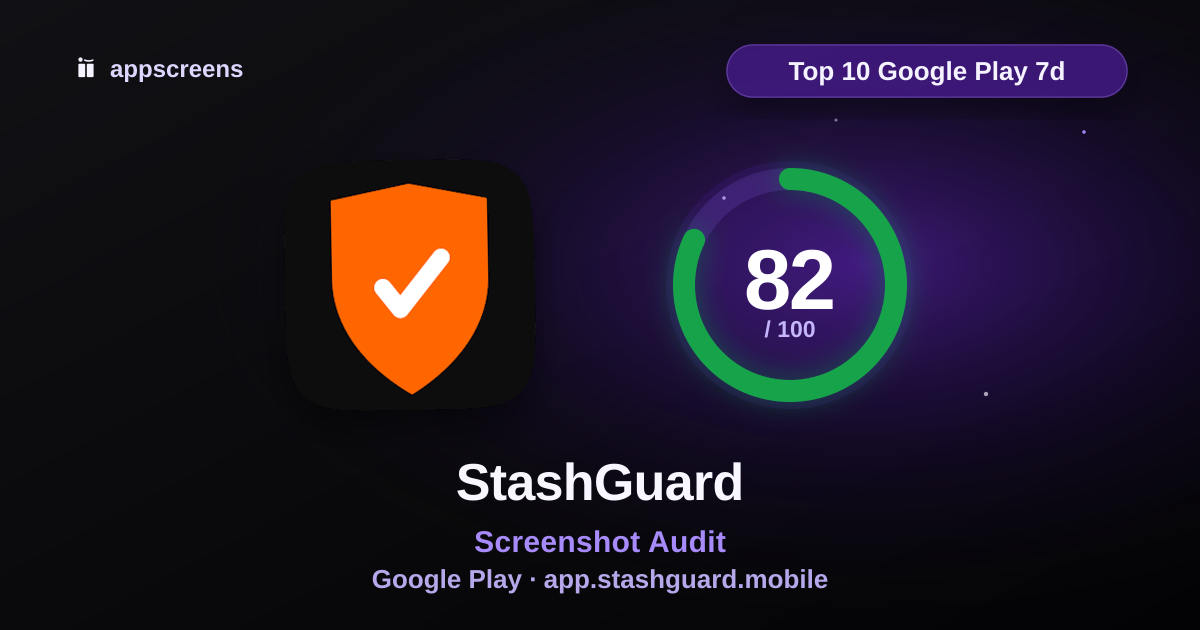
Summary
The score is good overall, but the next useful move is to the screenshots are not using available trust proof. Test truthful proof cues such as rating/review badges, awards/laurels, press, user-count proof, no-ads/privacy cues or other credible proof where they help users trust the app.
Top fixes
The screenshots are not using available trust proof. Test truthful proof cues such as rating/review badges, awards/laurels, press, user-count proof, no-ads/privacy cues or other credible proof where they help users trust the app.
Add a stronger first-glance hook with more distinctive, energetic store creative.
Upgrade the visual system with stronger typography, colour, brand craft and art direction.
What is working
The first screenshots show real app UI quickly, which helps users understand the product before they scroll.
No low-value lead screens is one of the stronger parts of this listing.
Main use case appears in first 3 is one of the stronger parts of this listing.
Test ideas
Test a variant focused on app ui is large enough.
Test a variant focused on text density.
Test a screenshot variant that surfaces truthful social proof, such as the rating, review count, awards/laurels, no-ads proof or privacy proof.
First 3 Screenshots
First 3
How quickly the listing explains what the app does and why to install.
#1

Audit notes
#1 combines a clear preparedness headline with inventory/dashboard UI for supplies, alerts, and tasks. Category and benefit are understandable at a glance.
The first three screens form a solid story: dashboard proof, barcode add flow, then ongoing task/expiration management.
#2

Audit notes
The first three screens form a solid story: dashboard proof, barcode add flow, then ongoing task/expiration management.
All first three screenshots show meaningful app UI.
#3

Audit notes
The first three screens form a solid story: dashboard proof, barcode add flow, then ongoing task/expiration management.
All first three screenshots show meaningful app UI.
Opportunities (2)
Passed audits (3)
Real app UI appears early
100No low-value lead screens
100Main use case appears in first 3
100Screenshot Messaging
Messaging
Whether captions are useful, specific and proven by the visible UI.
Opportunities (1)
Passed audits (6)
Decorated store creative
100Caption matches visible UI
100One idea per screenshot
100Business clarity
100Keyword and intent alignment in captions
100Avoid generic claim words without proof
100Screenshot Set / Story
Story
How well the full gallery builds distinct reasons to install.
Rest of gallery
The first 3 win attention. The rest helps convinced users learn more.
#4

#5

#6

#7

#8

Opportunities (3)
Passed audits (3)
Full gallery covers distinct reasons to install
100Screenshot slot usage
100Sequence logic
100Visual Quality & Readability
Readability
How easily users can scan the screenshots, trust the visuals and recognize category fit.
Opportunities (10)
Passed audits (2)
Design consistency
100Synthetic or untrusted creative cues
100Trust & Social Proof
Trust
Public rating score, rating count and scored app update freshness.
Trust signals
- Average rating
- 4.8 stars
- Rating count
- 9 ratings
- App update freshness
- Last updated Jul 4, 2026
Opportunities (3)
Passed audits (1)
Average rating
100Metadata & Search Alignment
Metadata
How well title, secondary metadata and screenshots sell the same intent.
Metadata
- Title
- StashGuard
- Short description
- Track your inventory, expiration dates, and tasks. Stay prepared
- Category
- Lifestyle
- Public rating
- 4.8 average · 9 ratings
Opportunities (1)
Passed audits (4)
Title/secondary metadata keyword overlap
100Secondary metadata is not slogan fluff
100Screenshot-to-metadata alignment
100Category expectation match
100Website badge
Show this ASO score on your site
Embed a live AppScreens score badge on your website, launch page or changelog.

HTML embed
The badge links back to this public ASO review and updates with the reviewed score version.
Turn this audit into screenshots
Use the audit notes to build clearer App Store and Google Play screenshots, or run another free ASO review.
© 2026 AppScreens, a registered business name of Salty Bytes Pty Ltd. All rights reserved | v1.1.240