

Vaulta – Secure File Vault
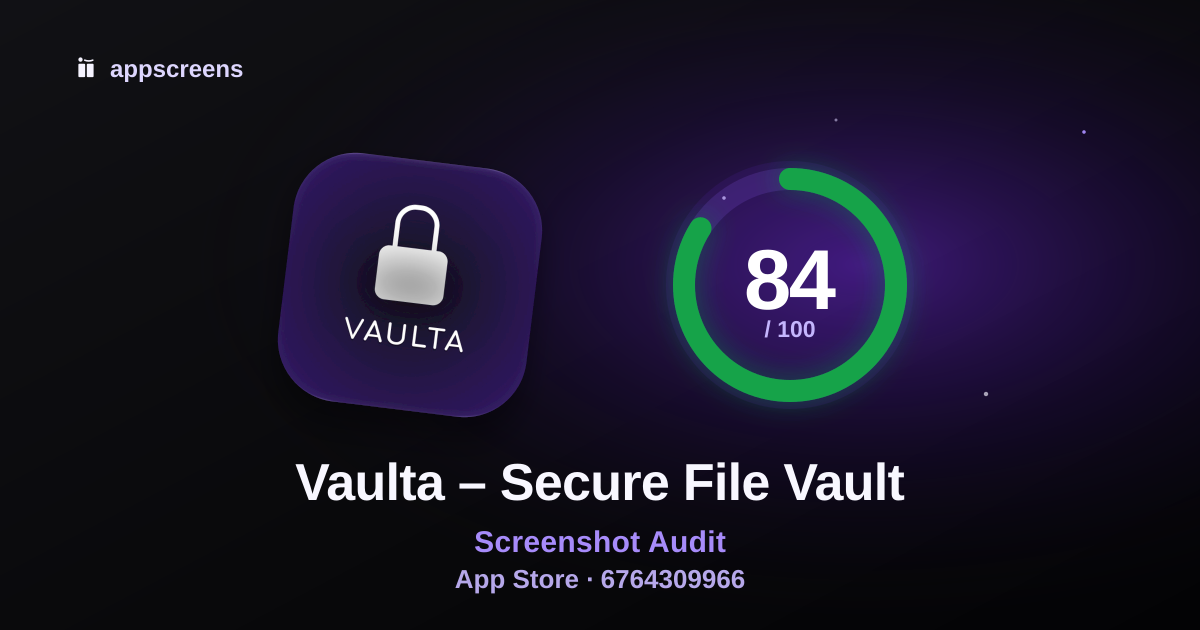
Summary
Start here: Start with #3. Keep No account. No tracking. headline. Reduce or integrate the detached top strip and arrow so the proof reads as one unified composition.
The opening screenshots require material effort to read or separate the selling message at store preview size.
Recommended actions
Recommended change · #3
#3: #3 still leads with the privacy headline, but the detached strip and arrow ask for extra interpretation before the phone proof resolves the message.
Start with #3. Keep No account. No tracking. headline. Reduce or integrate the detached top strip and arrow so the proof reads as one unified composition.
What this helps: Competing selling elements make visitors work to identify the main benefit before they can decide to explore the app.
How to check: View the revised screenshot at 220px wide and check whether a new visitor can identify its main benefit and product proof at a glance.
Recommended change · #1, #2, #3, #4, #5, #6
At a 220px store preview, the supporting caption on #1, #2, #3, #4, #5, #6 requires effort to read.
Enlarge the supporting caption style across the gallery or trim each support line to fewer words while keeping the current headlines.
What this helps: Visitors can grasp the headline but miss secondary selling proof when scanning the gallery quickly.
How to check: Check whether visitors can read both the headline and support line in a 220px preview of the revised set.
Optional test
The provider reports 3 public ratings.
Use the in-app review prompt after users have had time to try the app.
What this helps: More genuine customer feedback can give visitors more information when deciding whether to install.
How to check: Track new ratings and review feedback after introducing the prompt.
What is working
Screenshot 1 explains the app is one of the stronger parts of this listing.
The first screenshots show real app UI quickly, which helps users understand the product before they scroll.
No low-value lead screens is one of the stronger parts of this listing.
First 3 Screenshots
First 3
How quickly the listing explains what the app does and why to install.
#3: #3 still leads with the privacy headline, but the detached strip and arrow ask for extra interpretation before the phone proof resolves the message.
Start with #3. Keep No account. No tracking. headline. Reduce or integrate the detached top strip and arrow so the proof reads as one unified composition.
#1

Audit notes
At a 220px store preview, the supporting caption on #1, #2, #3, #4, #5, #6 requires effort to read.
#2

Audit notes
At a 220px store preview, the supporting caption on #1, #2, #3, #4, #5, #6 requires effort to read.
#3

Audit notes
#3: #3 still leads with the privacy headline, but the detached strip and arrow ask for extra interpretation before the phone proof resolves the message.
At a 220px store preview, the supporting caption on #1, #2, #3, #4, #5, #6 requires effort to read.
View findings and assessment details
Actions (0)
No supported actions identified from the available evidence.
Working (4)
Screenshot 1 explains the app
Real app UI appears early
No low-value lead screens
Main use case appears in first 3
Screenshot Messaging
Messaging
Whether captions are useful, specific and proven by the visible UI.
#3: #3 still leads with the privacy headline, but the detached strip and arrow ask for extra interpretation before the phone proof resolves the message.
Start with #3. Keep No account. No tracking. headline. Reduce or integrate the detached top strip and arrow so the proof reads as one unified composition.
View findings and assessment details
Actions (0)
No supported actions identified from the available evidence.
Working (6)
Benefit-led captions
Decorated store creative
Caption matches visible UI
Business clarity
Keyword and intent alignment in captions
Avoid generic claim words without proof
Screenshot Set / Story
Story
How well the full gallery builds distinct reasons to install.
The gallery follows a sensible progression from core vault value to authentication and then advanced privacy features.
The gallery is somewhat differentiated through offline-first privacy, decoy vault, and failed unlock alerts rather than only generic file-locker claims.
No specific change is recommended here.
Rest of gallery
The first 3 win attention. The rest helps convinced users learn more.
#4

#5

#6

View findings and assessment details
Actions (0)
No supported actions identified from the available evidence.
Working (5)
Full gallery covers distinct reasons to install
Sequence logic
Repetition and duplicate value
Differentiation vs generic category claims
Shows result, not just process
Listing context
Already-demonstrated benefits do not need another screenshot solely to add a headline.
Visual Quality & Readability
Readability
How easily users can scan the screenshots, trust the visuals and recognize category fit.
Assessment details: Some checks could not be assessed. This score describes only the available evidence.
#3: #3 still leads with the privacy headline, but the detached strip and arrow ask for extra interpretation before the phone proof resolves the message.
Start with #3. Keep No account. No tracking. headline. Reduce or integrate the detached top strip and arrow so the proof reads as one unified composition.
View findings and assessment details
Actions (2)
Working (6)
App UI is large enough
Composition, spacing and padding
Design consistency
Visual polish and category fit
Synthetic or untrusted creative cues
Text density
Not assessed
These checks have insufficient evidence and are excluded from new score calculations.
Essential text contrast: The assessment does not identify verifiable evidence.
Trust & Social Proof
Trust
Available public ratings, update history and product-specific trust evidence.
Assessment details: The public average has a small or unavailable rating count. Treat it as limited evidence of customer satisfaction.
The provider reports 3 public ratings.
Optional test: Use the in-app review prompt after users have had time to try the app.
Trust signals
- Average rating
- 5.0 stars
- Rating count
- 3 ratings
- App update freshness
- Last updated Sep 9, 2026
View findings and assessment details
Actions (1)
Working (1)
Screenshot trust cues
Listing context
The public rating is context. It does not establish which creative change to prioritize.
The update date does not by itself establish a product or security problem.
Metadata & Search Alignment
Metadata
How well title, secondary metadata and screenshots sell the same intent.
The title and subtitle together clearly communicate a secure file vault for offline private storage.
The title and secondary metadata do not repeat meaningful wording; complementary category and benefit terms are useful.
No specific change is recommended here.
Metadata
- Title
- Vaulta – Secure File Vault
- Subtitle
- Offline private storage
- Category
- Utilities
- Public rating
- 5.0 average · 3 ratings
View findings and assessment details
Actions (0)
No supported actions identified from the available evidence.
Working (5)
Public metadata clarity and field usage
Title/secondary metadata keyword overlap
Secondary metadata is not slogan fluff
Screenshot-to-metadata alignment
Category expectation match
Website badge
Show this ASO score on your site
Embed a live AppScreens score badge on your website, launch page or changelog.

HTML embed
The badge links back to this public ASO review and updates with the reviewed score version.
Turn this audit into screenshots
Use the audit notes to build clearer App Store and Google Play screenshots, or run another free ASO review.

© 2026 AppScreens, a registered business name of Salty Bytes Pty Ltd. All rights reserved | v1.1.259