

VAT Calc – Tax Calculator
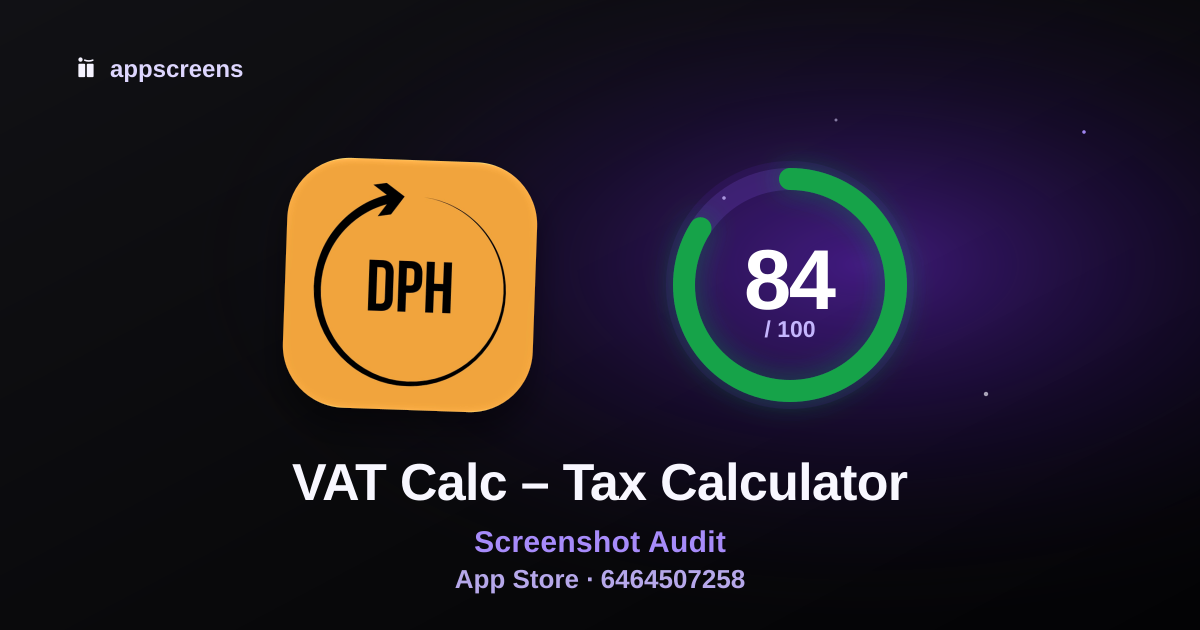
Summary
Start here: Enlarge or simplify the supporting caption on #1, #2, #3, #4 until it can be read comfortably without zooming.
The opening screenshots require material effort to read or separate the selling message at store preview size.
Recommended actions
Recommended change · #1, #2, #3, #4
At a 220px store preview, the supporting caption on #1, #2, #3, #4 requires effort to read.
Enlarge or simplify the supporting caption on #1, #2, #3, #4 until it can be read comfortably without zooming.
What this helps: Larger, shorter supporting captions would make the selling message easier to read without zooming.
How to check: View the revised images at 220px wide without zooming and check that the cited text or product detail is comfortably readable.
Optional test
These source-supported benefits lack a demonstrated screenshot in the supplied coverage evidence.
Test 1 additional screenshot: Show a long-press on a result field or history entry with visible copy feedback so the clipboard action is unmistakable..
What this helps: Visitors may not discover a useful reuse action that supports quick everyday VAT handling.
How to check: Measure whether the added copy-focused screenshot improves screenshot progression and installs versus the current gallery.
Optional test
The provider reports 1 public rating.
Use the in-app review prompt after users have had time to try the app.
What this helps: More genuine customer feedback can give visitors more information when deciding whether to install.
How to check: Track new ratings and review feedback after introducing the prompt.
What is working
Screenshot 1 explains the app is one of the stronger parts of this listing.
The first 3 screenshots have the bones of a clear install story.
The first screenshots show real app UI quickly, which helps users understand the product before they scroll.
First 3 Screenshots
First 3
How quickly the listing explains what the app does and why to install.
#1 clearly communicates a VAT calculator, its core use case, and the live-update benefit.
The first three screenshots tell a coherent story from instant VAT calculation to saved results to market-specific customization.
No specific change is recommended here.
#1

Audit notes
At a 220px store preview, the supporting caption on #1, #2, #3, #4 requires effort to read.
#2

Audit notes
At a 220px store preview, the supporting caption on #1, #2, #3, #4 requires effort to read.
#3

Audit notes
At a 220px store preview, the supporting caption on #1, #2, #3, #4 requires effort to read.
View findings and assessment details
Actions (0)
No supported actions identified from the available evidence.
Working (5)
Screenshot 1 explains the app
First 3 tell a clear install story
Real app UI appears early
No low-value lead screens
Main use case appears in first 3
Screenshot Messaging
Messaging
Whether captions are useful, specific and proven by the visible UI.
The captions are mostly benefit-led, with clear practical payoffs tied to the shown product states.
The decorated screenshots use captions and product UI together to explain the app clearly.
No specific change is recommended here.
View findings and assessment details
Actions (0)
No supported actions identified from the available evidence.
Working (7)
Benefit-led captions
Decorated store creative
Caption matches visible UI
One idea per screenshot
Business clarity
Keyword and intent alignment in captions
Avoid generic claim words without proof
Screenshot Set / Story
Story
How well the full gallery builds distinct reasons to install.
These source-supported benefits lack a demonstrated screenshot in the supplied coverage evidence.
Optional test: Test 1 additional screenshot: Show a long-press on a result field or history entry with visible copy feedback so the clipboard action is unmistakable..
Rest of gallery
The first 3 win attention. The rest helps convinced users learn more.
#4

View findings and assessment details
Actions (1)
Working (4)
Sequence logic
Repetition and duplicate value
Differentiation vs generic category claims
Shows result, not just process
Visual Quality & Readability
Readability
How easily users can scan the screenshots, trust the visuals and recognize category fit.
At a 220px store preview, the supporting caption on #1, #2, #3, #4 requires effort to read.
Enlarge or simplify the supporting caption on #1, #2, #3, #4 until it can be read comfortably without zooming.
View findings and assessment details
Actions (1)
Working (8)
Essential text contrast
App UI is large enough
Visual hierarchy
Composition, spacing and padding
Design consistency
Visual polish and category fit
Synthetic or untrusted creative cues
Text density
Trust & Social Proof
Trust
Available public ratings, update history and product-specific trust evidence.
Assessment details: The public average has a small or unavailable rating count. Treat it as limited evidence of customer satisfaction.
The provider reports 1 public rating.
Optional test: Use the in-app review prompt after users have had time to try the app.
Trust signals
- Average rating
- 5.0 stars
- Rating count
- 1 ratings
- App update freshness
- Last updated Jun 18, 2026
View findings and assessment details
Actions (1)
Working (1)
Screenshot trust cues
Listing context
The public rating is context. It does not establish which creative change to prioritize.
The update date does not by itself establish a product or security problem.
Metadata & Search Alignment
Metadata
How well title, secondary metadata and screenshots sell the same intent.
The title communicates the core utility clearly, and the secondary field adds a related calculation concept, but the subtitle is truncated and underdeveloped.
The secondary field is functional and indicates a net/gross split workflow, but it is abbreviated and slightly unclear at the end.
No specific change is recommended here.
Metadata
- Title
- VAT Calc – Tax Calculator
- Subtitle
- Net & Gross Price Splitte
- Category
- Utilities
- Public rating
- 5.0 average · 1 ratings
View findings and assessment details
Actions (0)
No supported actions identified from the available evidence.
Working (5)
Public metadata clarity and field usage
Title/secondary metadata keyword overlap
Secondary metadata is not slogan fluff
Screenshot-to-metadata alignment
Category expectation match
Website badge
Show this ASO score on your site
Embed a live AppScreens score badge on your website, launch page or changelog.

HTML embed
The badge links back to this public ASO review and updates with the reviewed score version.
Turn this audit into screenshots
Use the audit notes to build clearer App Store and Google Play screenshots, or run another free ASO review.

© 2026 AppScreens, a registered business name of Salty Bytes Pty Ltd. All rights reserved | v1.1.259