
Wine Vintages: Expert Ratings
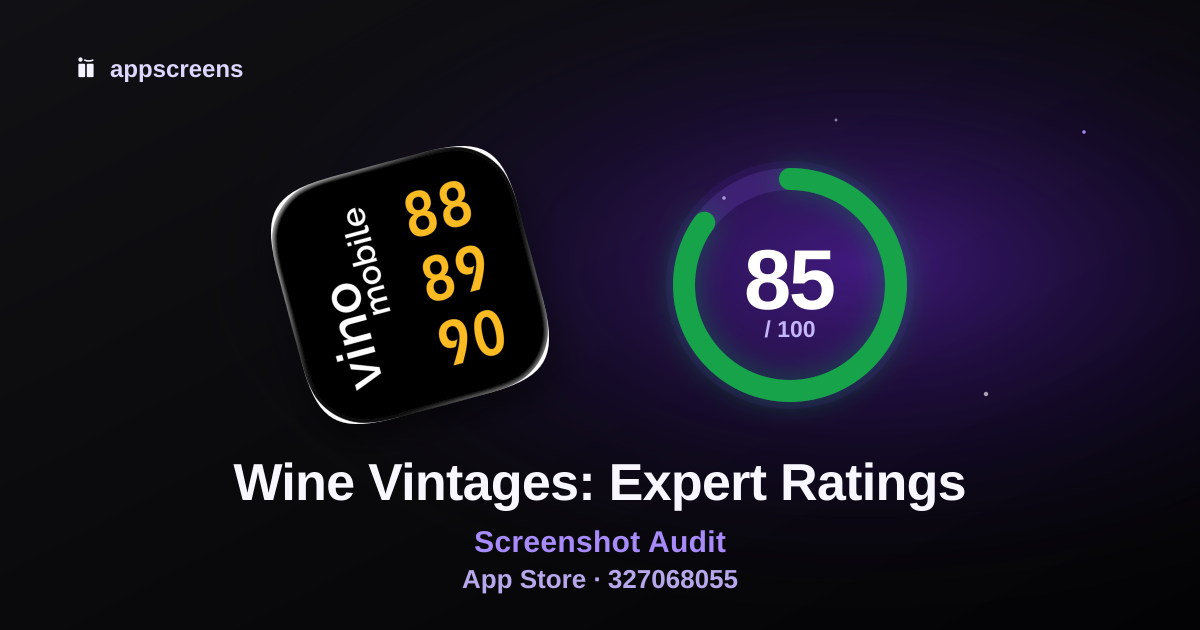
Summary
Your screenshots came dressed for the conversion meeting. The next useful move is to build rating volume so users have enough public trust signal before installing.
Top fixes
Build rating volume so users have enough public trust signal before installing.
Use unused conversion space for distinct benefits, proof points or use cases.
Improve visual hierarchy before testing smaller changes.
What is working
The first screenshots show real app UI quickly, which helps users understand the product before they scroll.
No low-value lead screens is one of the stronger parts of this listing.
Main use case appears in first 3 is one of the stronger parts of this listing.
Test ideas
Test a variant focused on text density.
Test using unused conversion space for new use cases or proof screenshots.
Test a gallery variant where each screenshot earns a different job.
First 3 Screenshots
First 3
How quickly the listing explains what the app does and why to install.
#1

Audit notes
#1 clearly shows wine vintage ratings and buying guidance.
Cold-store category and benefit are understandable from the headline plus UI.
#2

Audit notes
The first three build a sensible story from ratings to expert analysis to drinking-window guidance.
Clear value sequence, though still mostly static product proof rather than a full narrative.
#3

Audit notes
The first three build a sensible story from ratings to expert analysis to drinking-window guidance.
Clear value sequence, though still mostly static product proof rather than a full narrative.
Opportunities (2)
Passed audits (3)
Real app UI appears early
100No low-value lead screens
100Main use case appears in first 3
100Screenshot Messaging
Messaging
Whether captions are useful, specific and proven by the visible UI.
Opportunities (3)
Passed audits (4)
Caption matches visible UI
100Business clarity
100Keyword and intent alignment in captions
100Avoid generic claim words without proof
100Screenshot Set / Story
Story
How well the full gallery builds distinct reasons to install.
Rest of gallery
The first 3 win attention. The rest helps convinced users learn more.
#4

#5

#6

#7

Opportunities (4)
Passed audits (2)
Full gallery covers distinct reasons to install
100Sequence logic
100Visual Quality & Readability
Readability
How easily users can scan the screenshots, trust the visuals and recognize category fit.
Opportunities (10)
Passed audits (2)
Design consistency
100Synthetic or untrusted creative cues
100Trust & Social Proof
Trust
Public rating score, rating count and scored app update freshness.
Trust signals
- Average rating
- 4.6 stars
- Rating count
- 22 ratings
- App update freshness
- Last updated Jul 17, 2026
Opportunities (3)
Passed audits (1)
Average rating
90Metadata & Search Alignment
Metadata
How well title, secondary metadata and screenshots sell the same intent.
Metadata
- Title
- Wine Vintages: Expert Ratings
- Subtitle
- Sommelier Guide & Drink Window
- Category
- Food & Drink
- Public rating
- 4.6 average · 22 ratings
Opportunities (1)
Passed audits (4)
Public metadata clarity and field usage
100Secondary metadata is not slogan fluff
100Screenshot-to-metadata alignment
100Category expectation match
100Website badge
Show this ASO score on your site
Embed a live AppScreens score badge on your website, launch page or changelog.

HTML embed
The badge links back to this public ASO review and updates with the reviewed score version.
Turn this audit into screenshots
Use the audit notes to build clearer App Store and Google Play screenshots, or run another free ASO review.
© 2026 AppScreens, a registered business name of Salty Bytes Pty Ltd. All rights reserved | v1.1.242