

Template: Tavo
Description
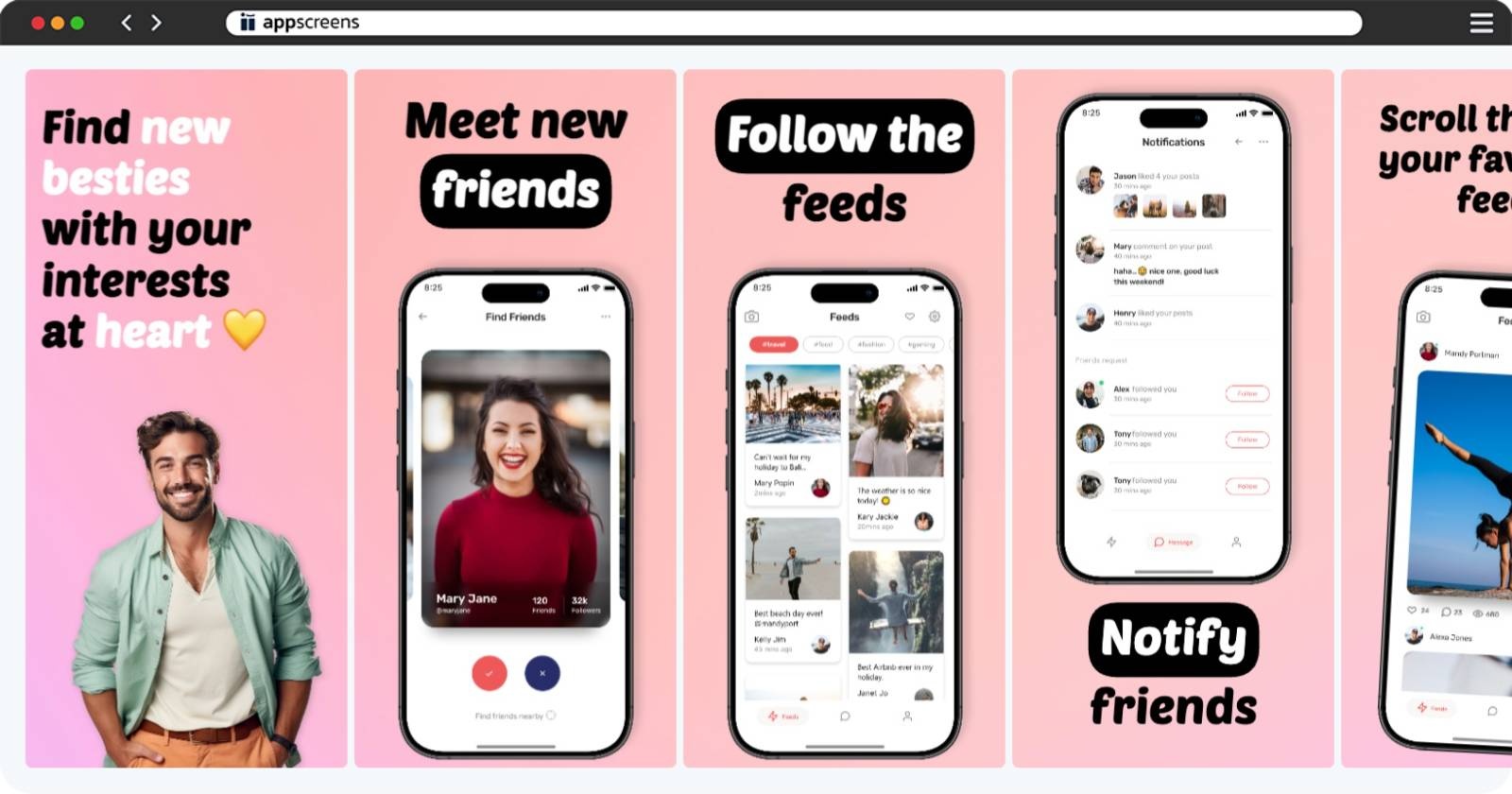
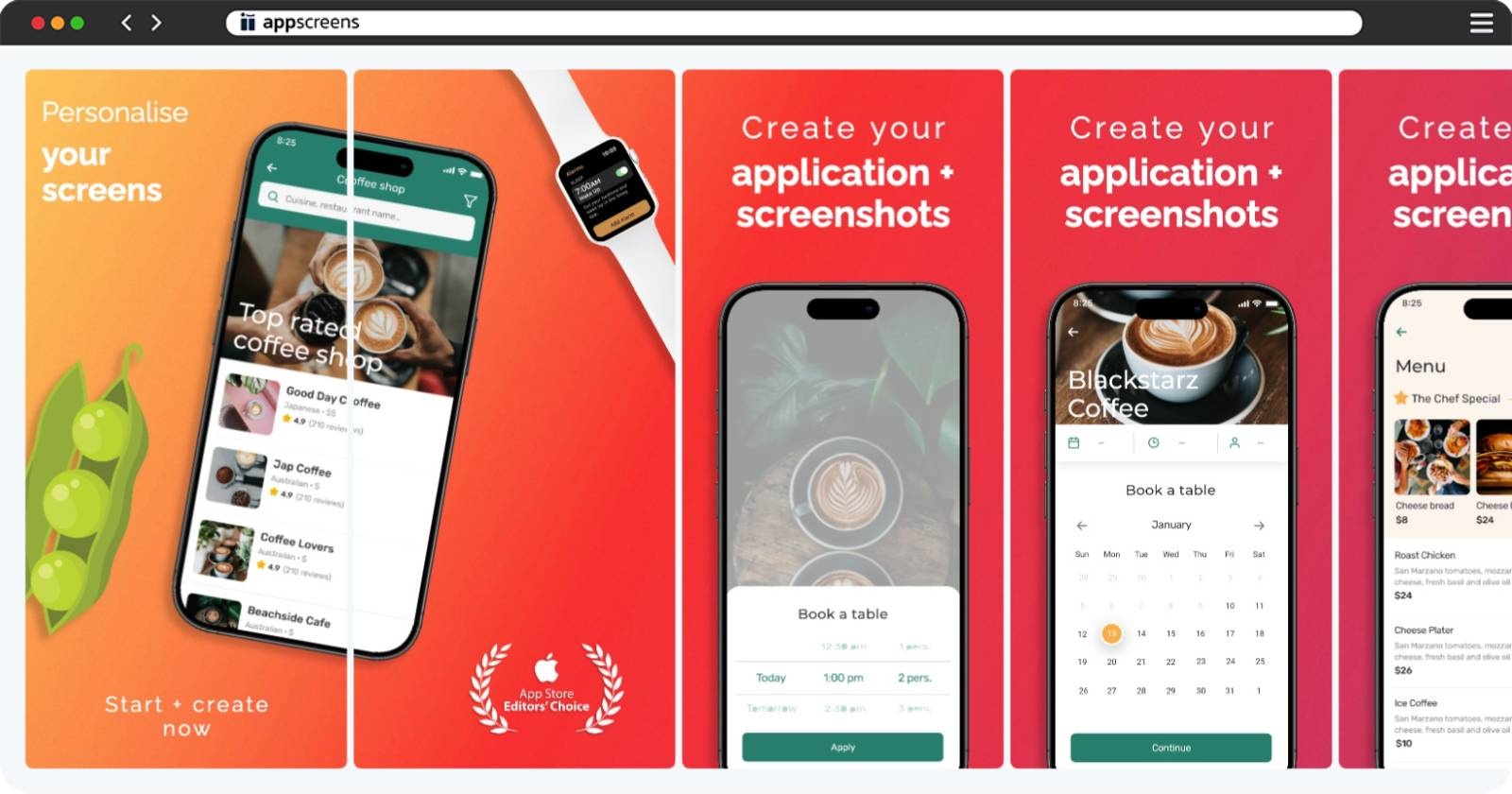
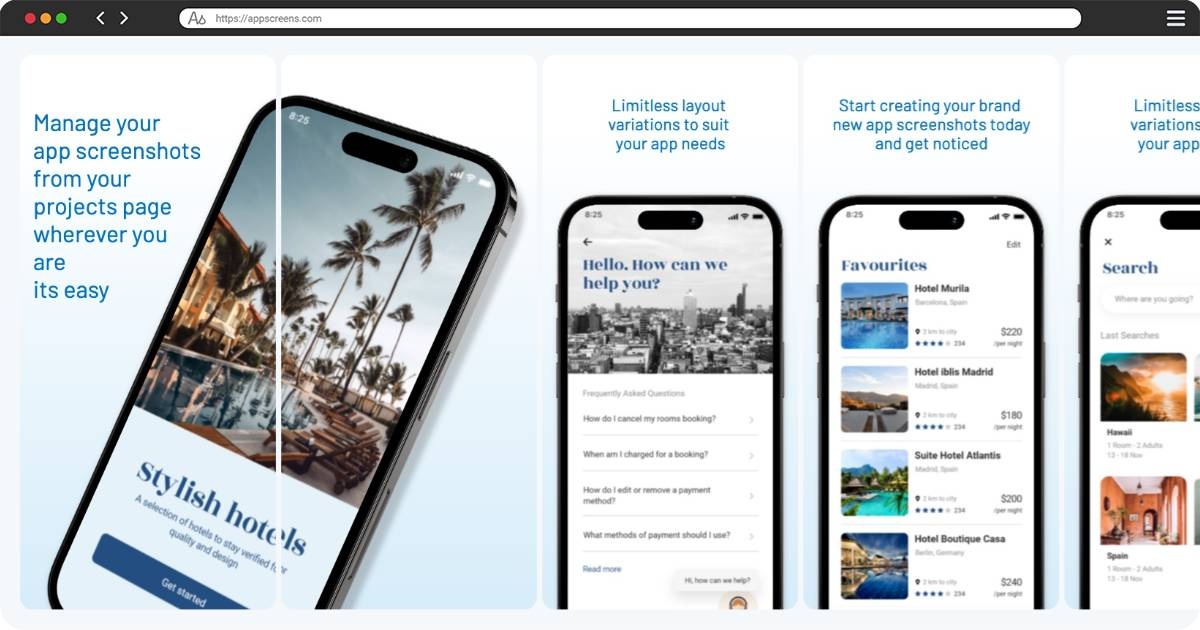
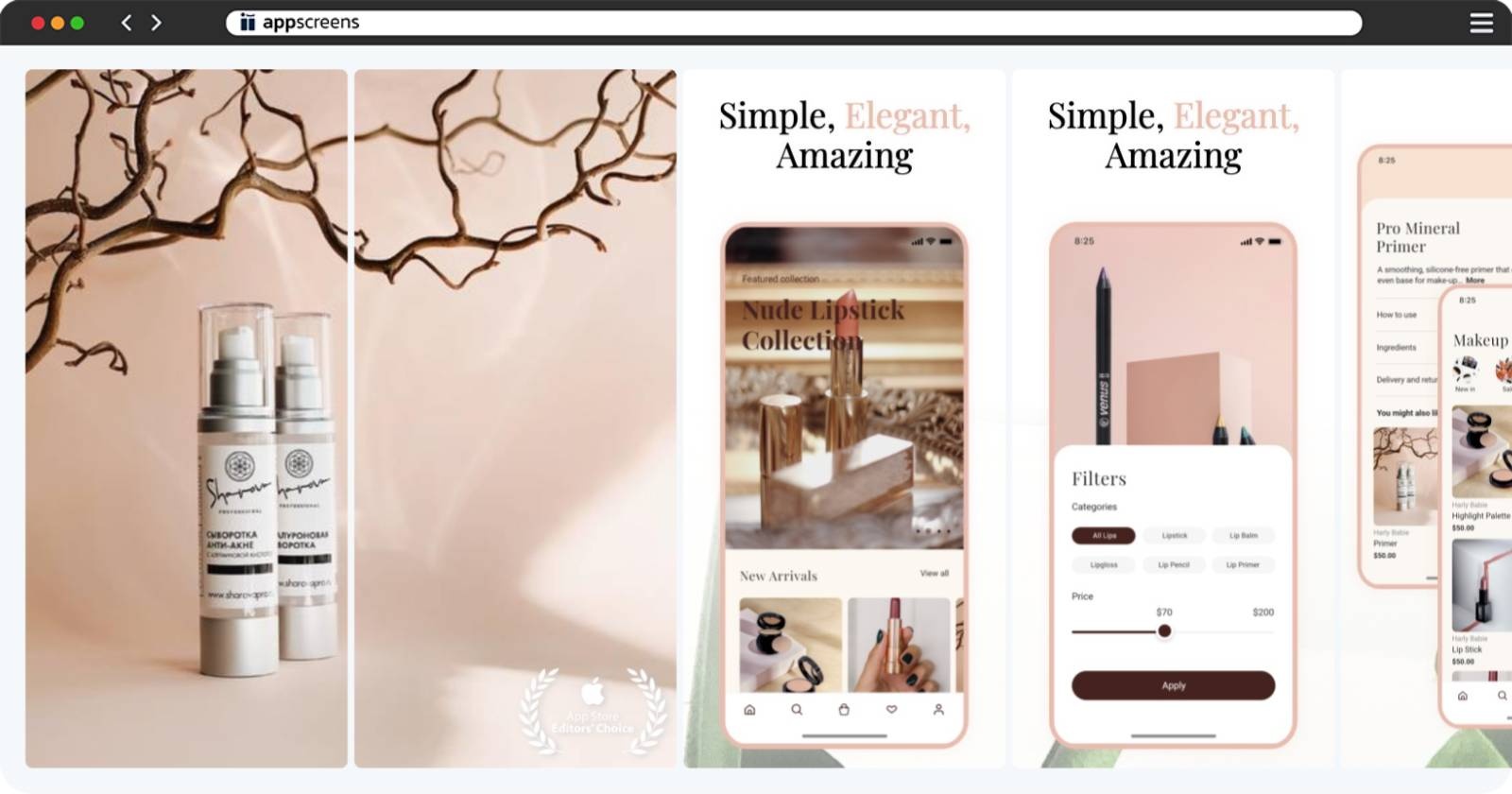
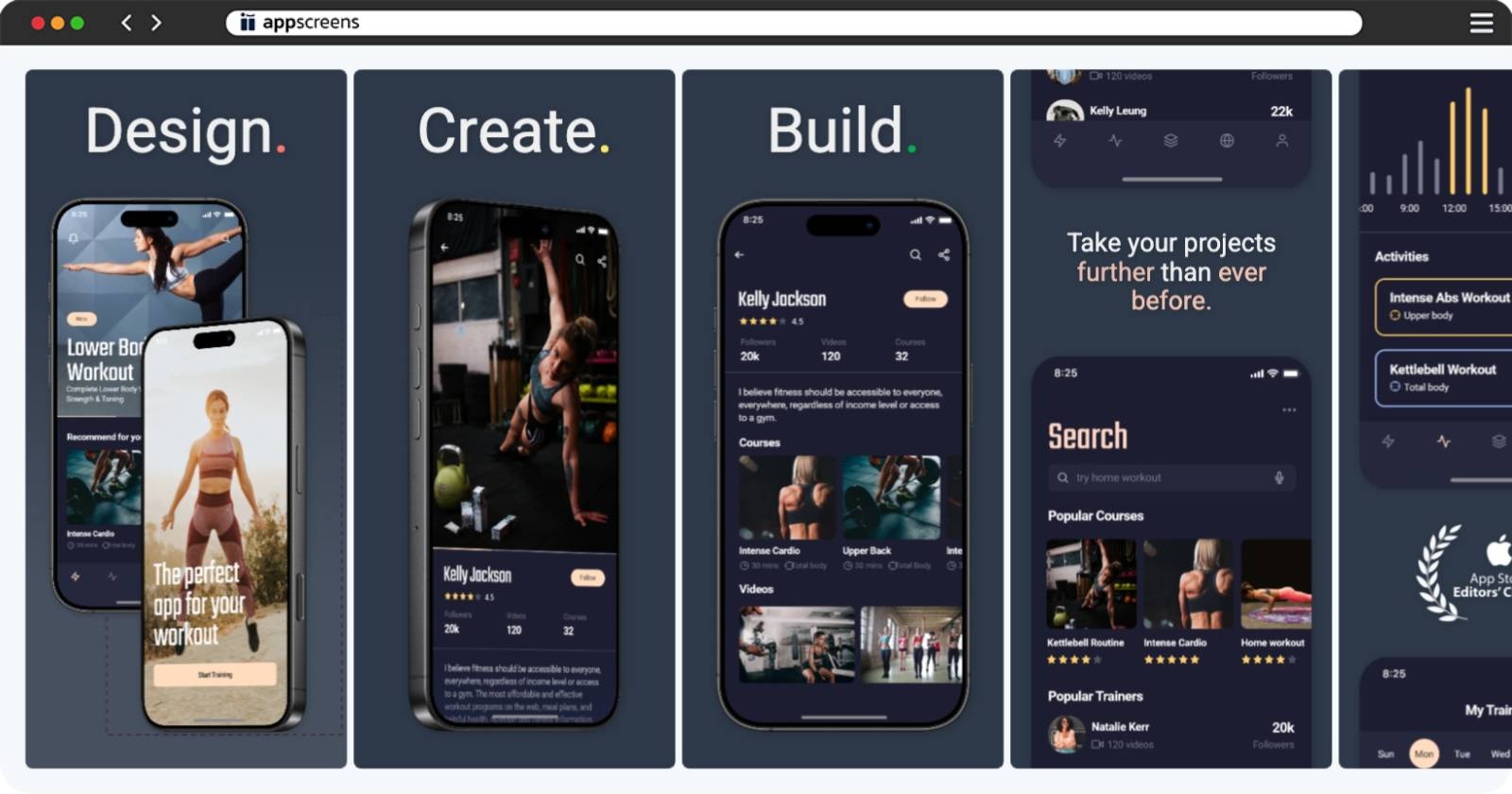
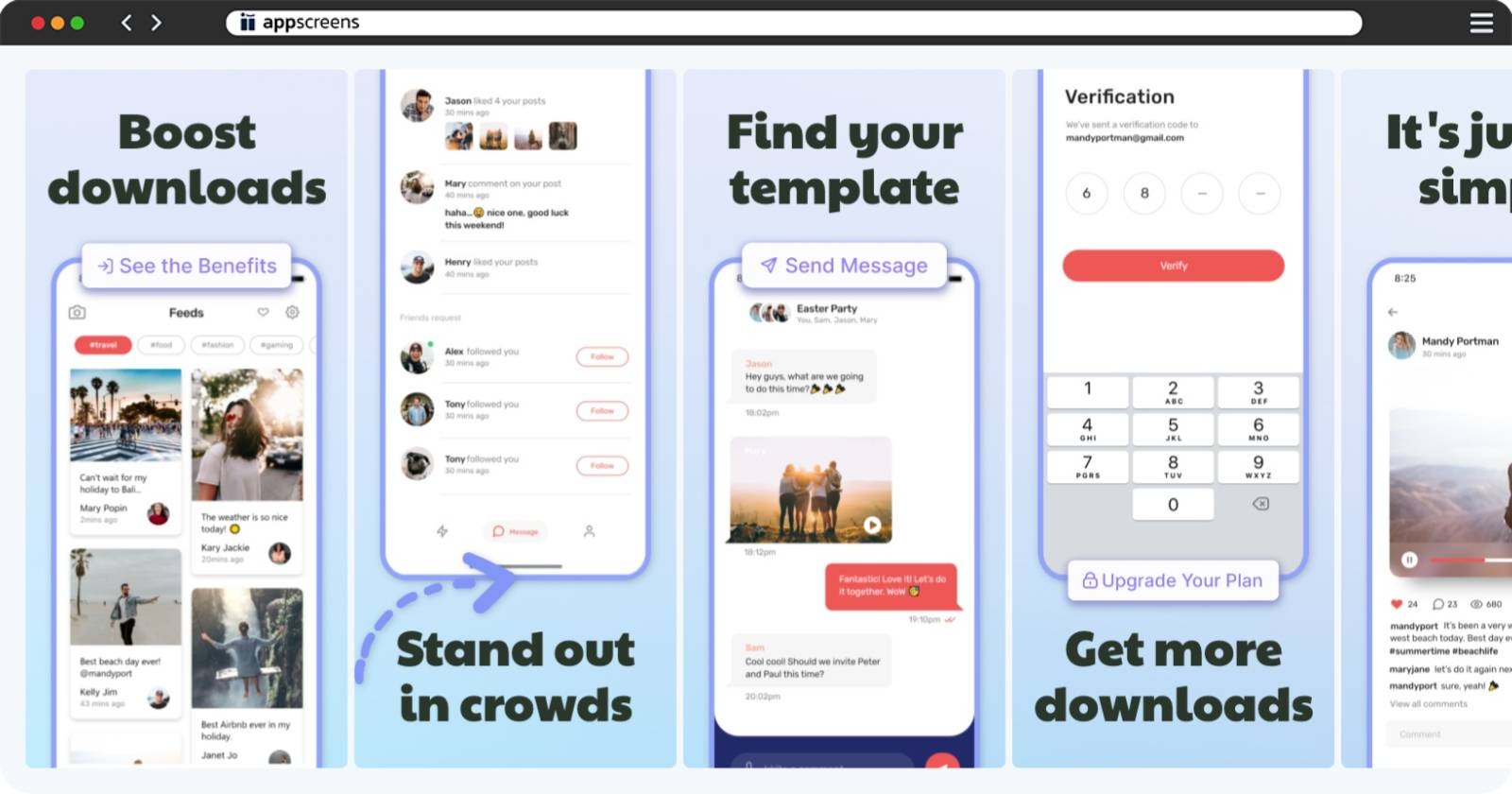
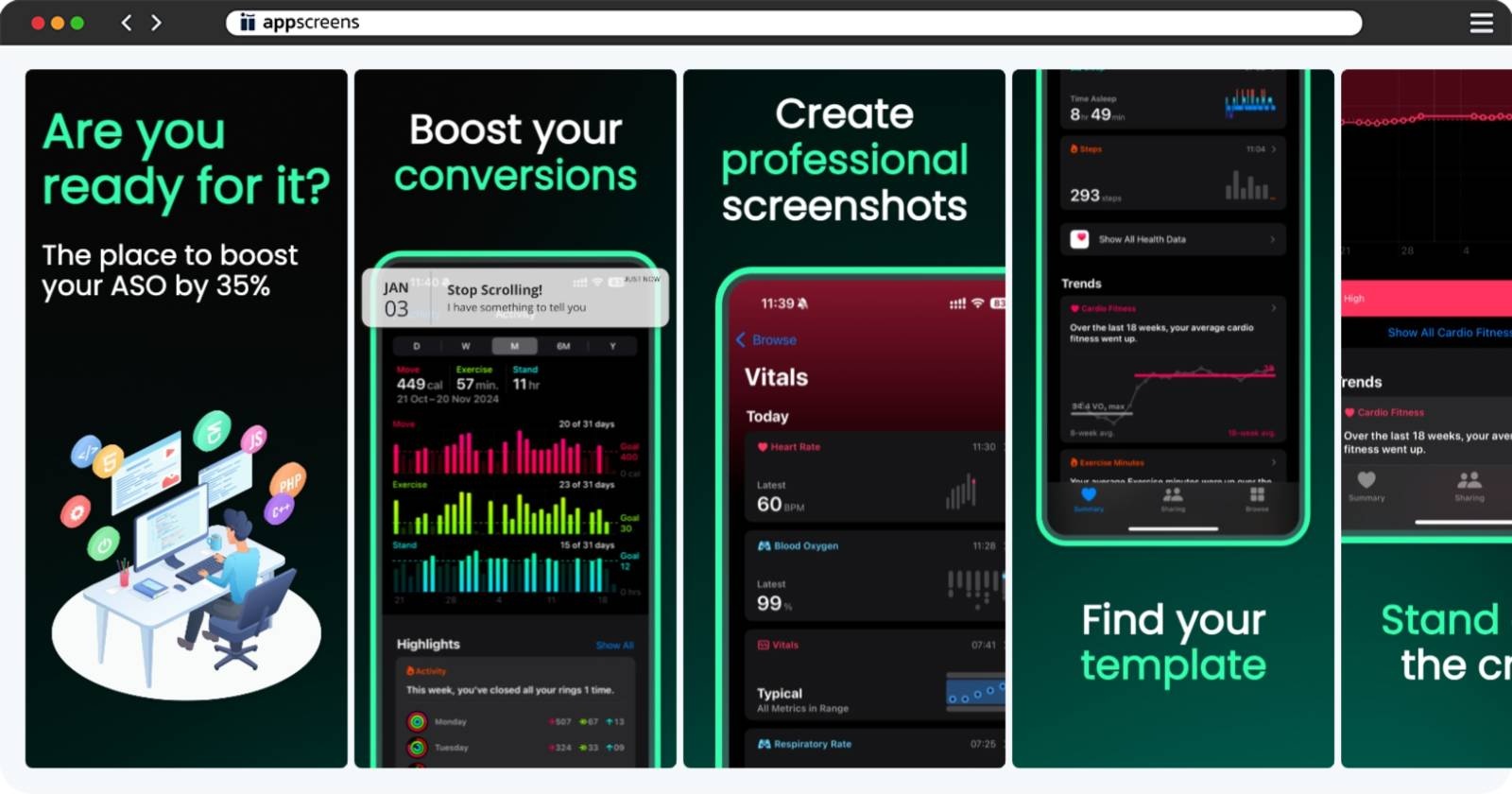
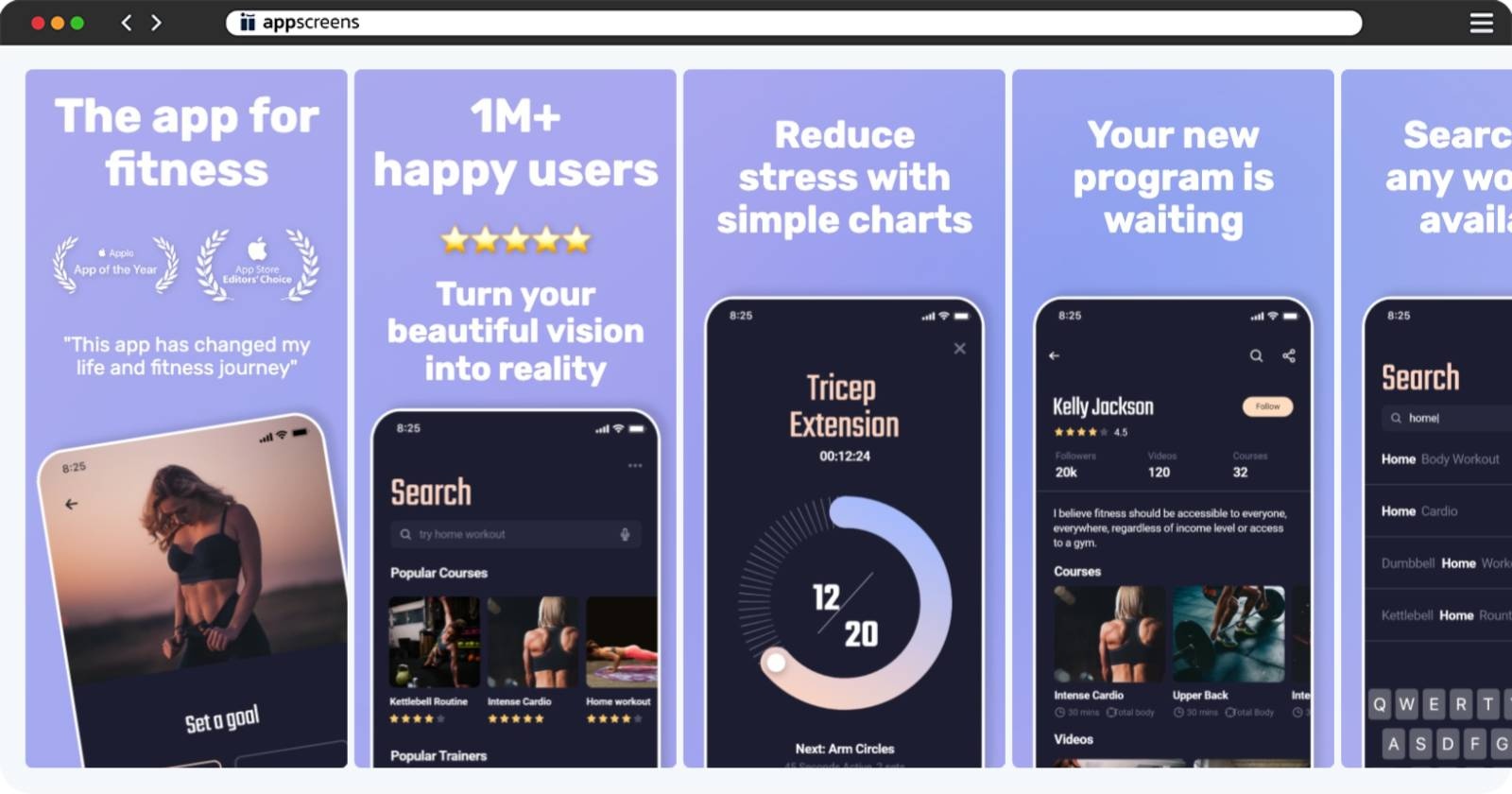
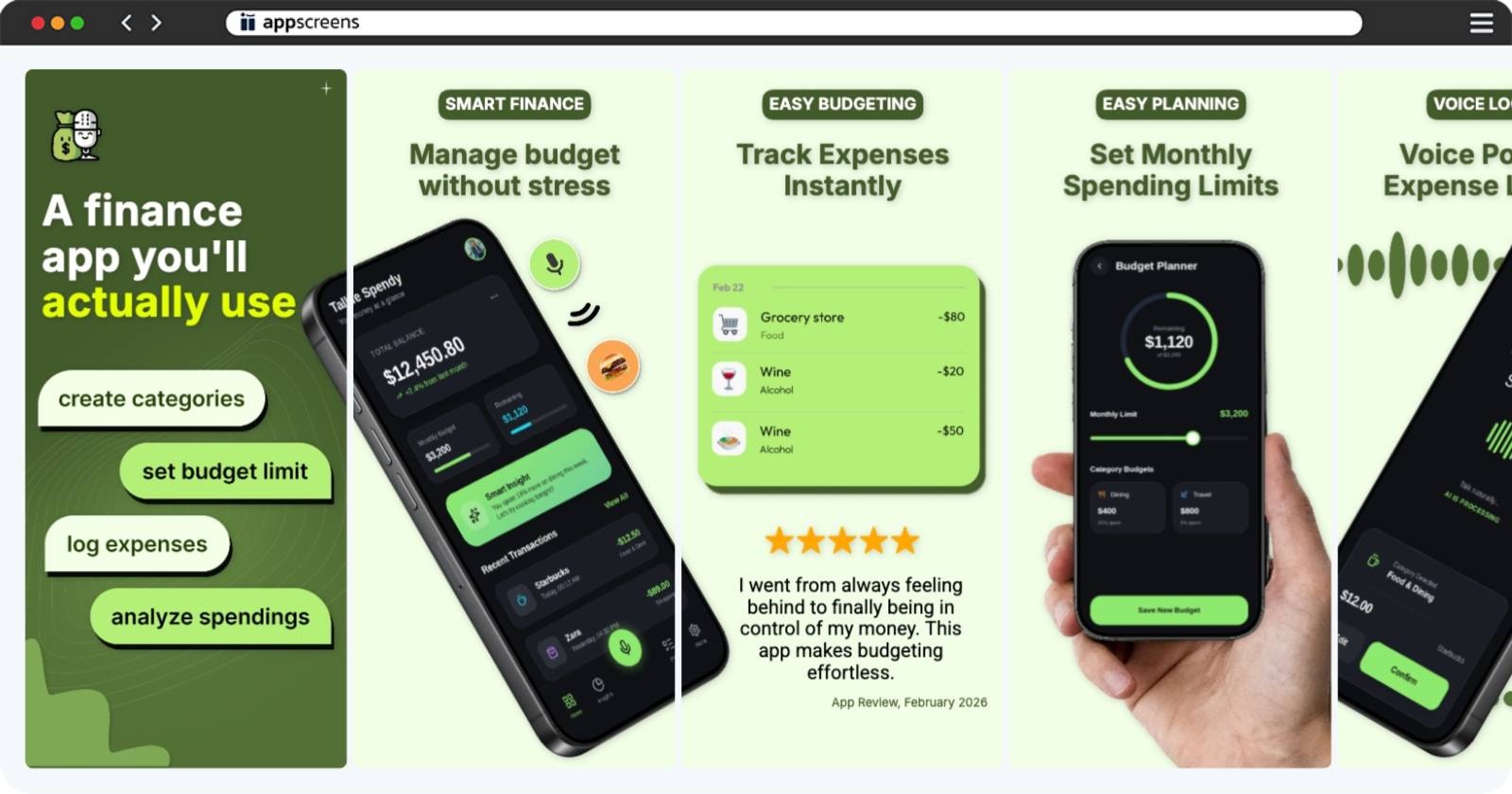
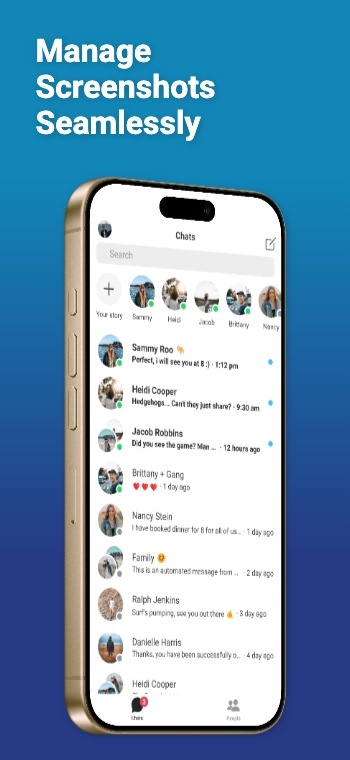
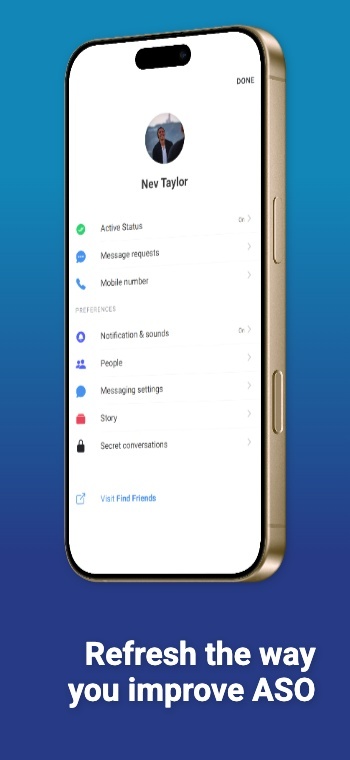
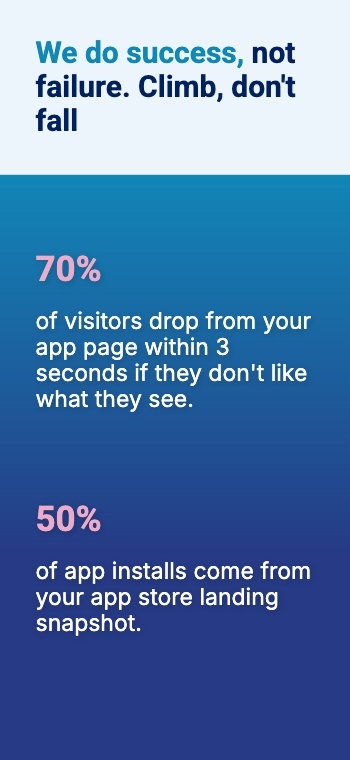
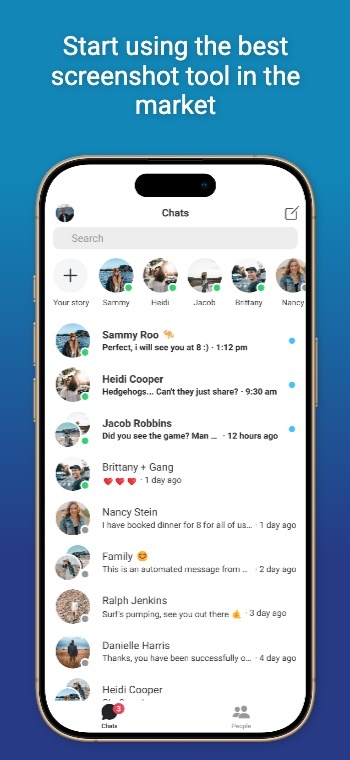
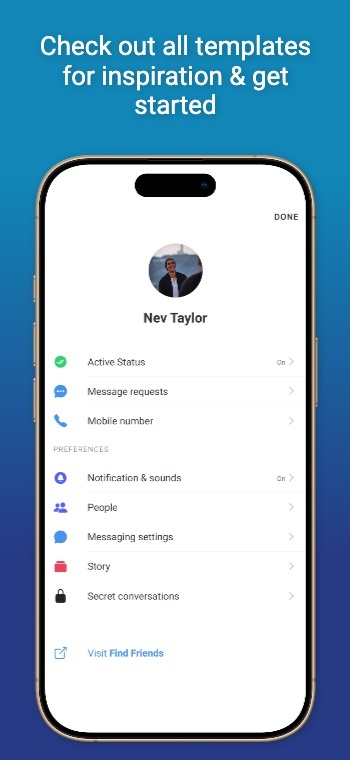
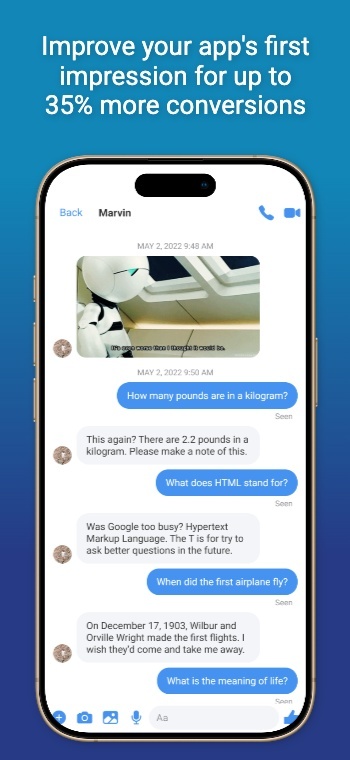
This template is designed to highlight an array of elements. The gradient brings depth to the panoramic background, with multi-orientation device frames, titles, subtitles & logos.
This App Store screenshot template helps you create a polished set of iOS and Android app screenshots without Photoshop, Sketch, or messy duplicate Figma files. Start with a proven layout, drop in your screens, then export App Store and Google Play screenshots that match current size and format requirements. One layout, every device size, generate iPhone, iPad, Android, tablet, and more from one project. Localization ready, translate and adapt screenshots in 80 languages, including RTL support. ASO friendly, iterate on headlines and styles to test what improves conversions and installs.
Target outputs
Which do I need?Android Phones - 16:9 (2160x3840px)
Android 10" Tablets - 16:9 (2160x3840px)
iPhones - 6.9" (1320x2868px)
iPad - 13" (2064x2752px)
- Add any size or device